Systems Administrator Resume Examples & Guide
Landing a Systems Administrator job can be tough. Applicant Tracking Systems (ATS) filter out many qualified candidates, and you face fierce competition. This guide provides Systems Administrator resume examples for every experience level, from entry-level to senior management, to help you stand out.
- Quantify Achievements: Use numbers to showcase the impact of your work, such as “Reduced server downtime by 15%.”
- Highlight Relevant Skills: Emphasize skills like network administration, scripting, cloud computing, and cybersecurity relevant to the specific job.
- Tailor to Job Description: Customize your resume for each application, mirroring the keywords and requirements listed in the job description.
- Optimize for ATS: Use a clean, ATS-friendly format with clear headings and avoid tables or graphics that can confuse the system.
- Use Action Verbs: Start each bullet point with strong action verbs like “Implemented,” “Managed,” or “Optimized” to demonstrate your accomplishments.
- Showcase Problem-Solving: Highlight instances where you identified and resolved critical system issues, demonstrating your analytical and troubleshooting skills.
Let’s dive into Systems Administrator resume examples to illustrate these points.
Choose your career stage
Explore editable Systems Administrator resume examples by career stage. Each sample opens in the RockStarCV builder so you can study the structure and make your own version.
Entry-Level Systems Administrator Resume (0-2 Years Experience)
Use these entry-level examples to compare the scope, evidence, and language expected for Systems Administrator roles at this stage.
 Open editable resume
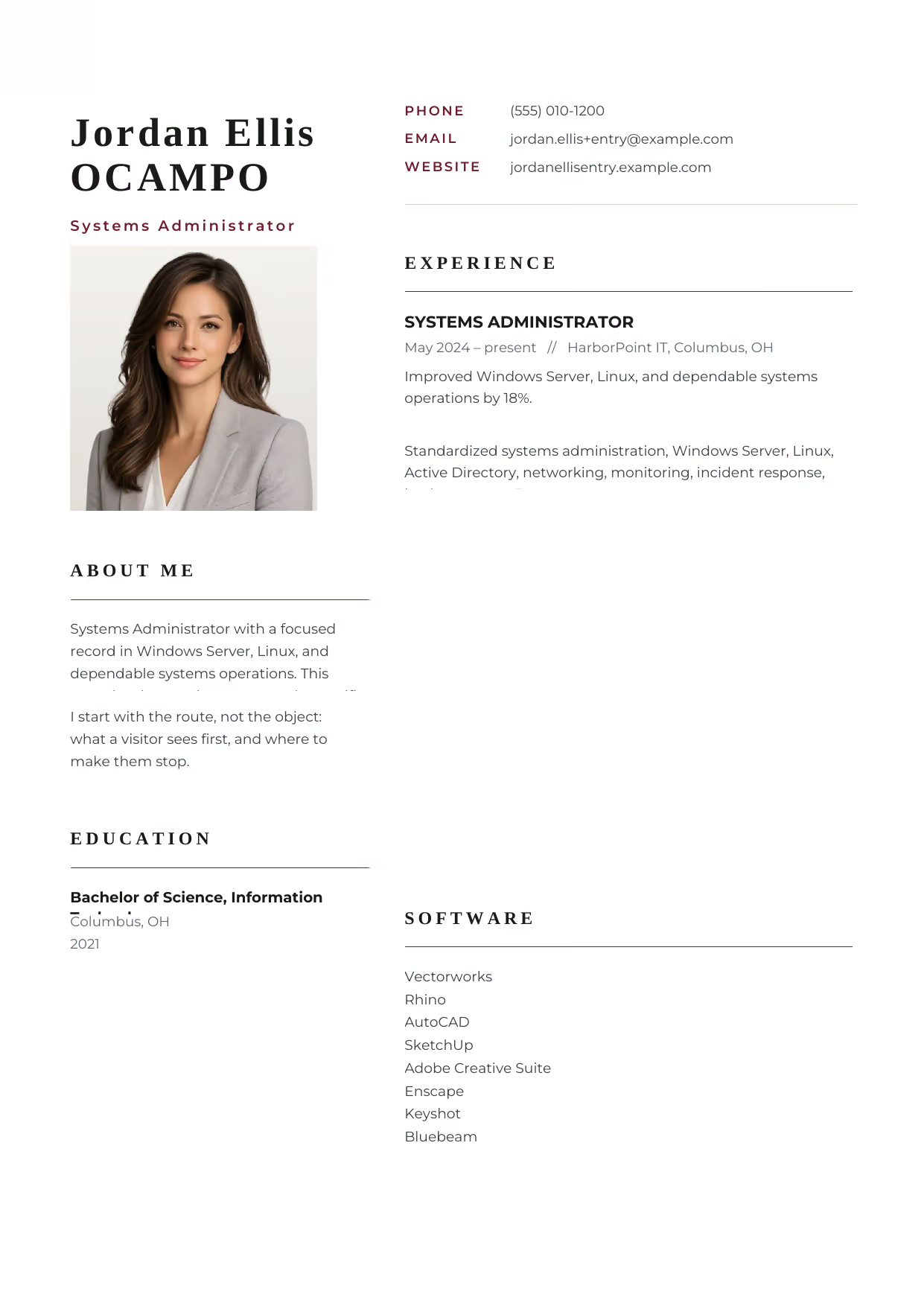
Systems Administrator
Study how this entry-level Systems Administrator resume organizes Windows Server, Linux, and dependable systems operations in the Hydra template. Replace every example with your own verified scope, tools, decisions, and outcomes.
- Evidence focus: Windows Server, Linux, and dependable systems operations
- Career-stage lens: entry-level scope and ownership
- Layout lens: Hydra information hierarchy
 Open editable resume
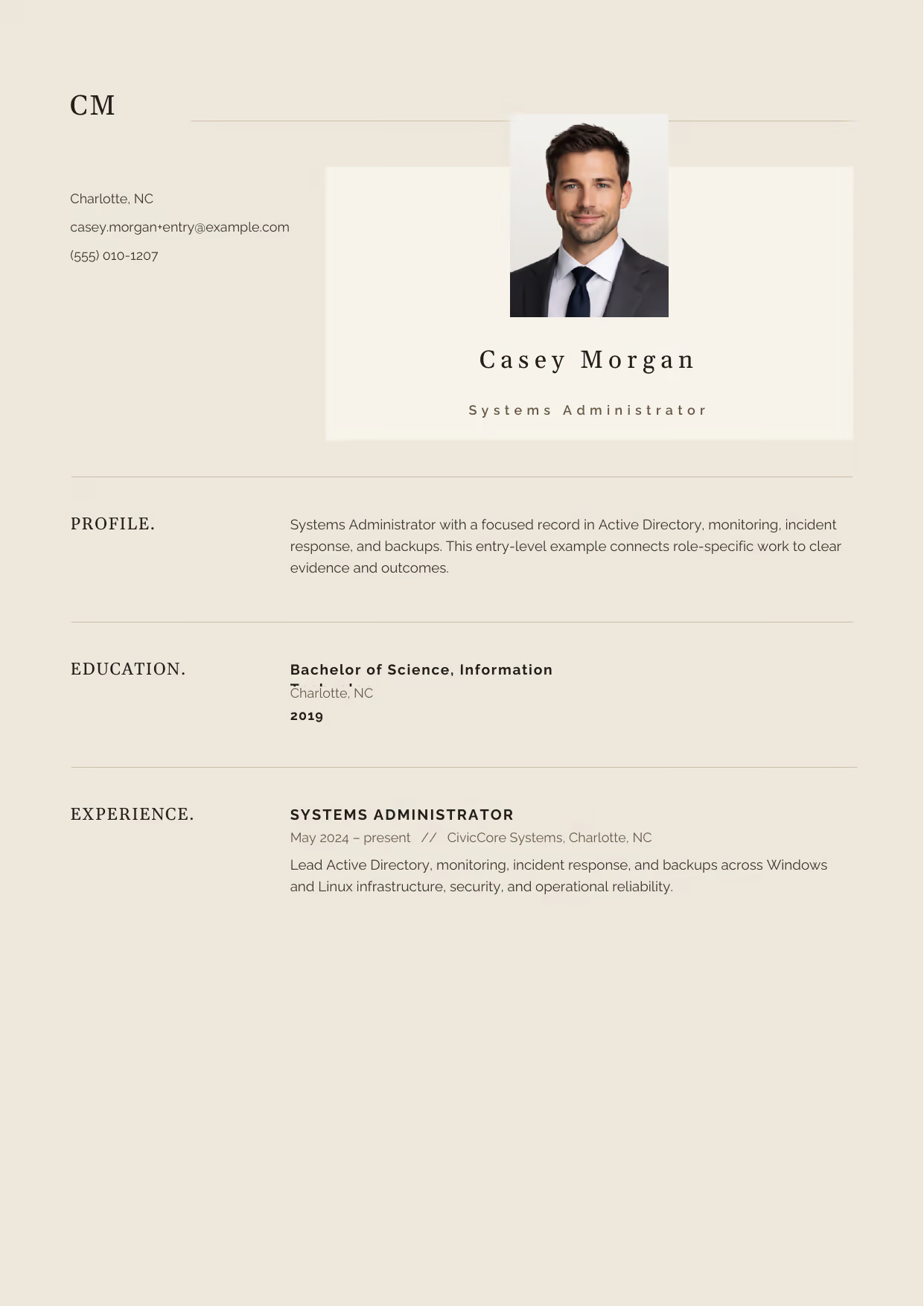
Systems Administrator
Study how this entry-level Systems Administrator resume organizes Windows Server, Linux, and dependable systems operations in the Norma template. Replace every example with your own verified scope, tools, decisions, and outcomes.
- Evidence focus: Windows Server, Linux, and dependable systems operations
- Career-stage lens: entry-level scope and ownership
- Layout lens: Norma information hierarchy
 Open editable resume
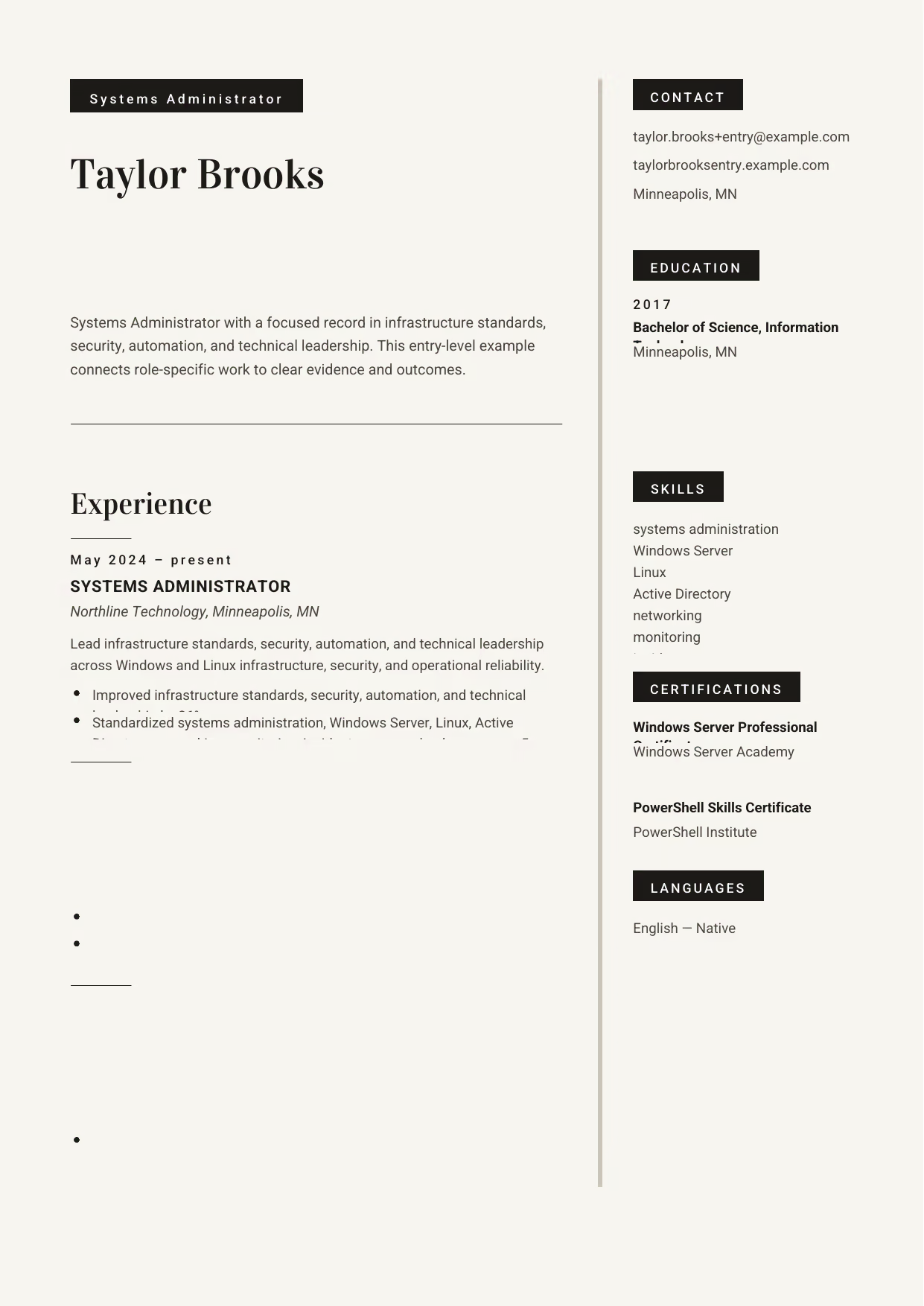
Systems Administrator
Study how this entry-level Systems Administrator resume organizes Windows Server, Linux, and dependable systems operations in the Aquila template. Replace every example with your own verified scope, tools, decisions, and outcomes.
- Evidence focus: Windows Server, Linux, and dependable systems operations
- Career-stage lens: entry-level scope and ownership
- Layout lens: Aquila information hierarchy
Mid-Level Systems Administrator Resume (3-7 Years Experience)
Use these mid-level examples to compare the scope, evidence, and language expected for Systems Administrator roles at this stage.
 Open editable resume
Senior Systems Administrator
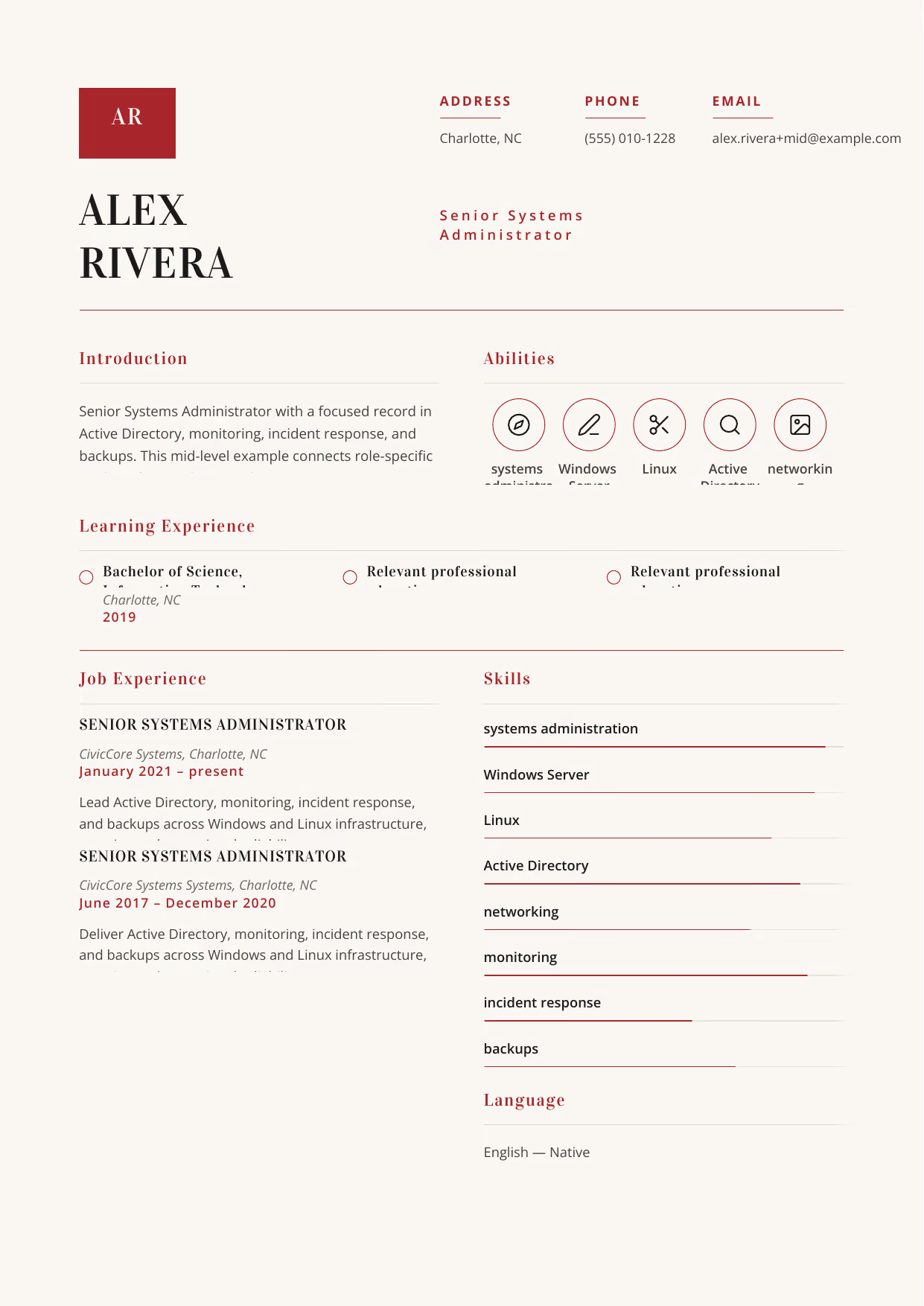
Study how this mid-level Senior Systems Administrator resume organizes Active Directory, monitoring, incident response, and backups in the Draco template. Replace every example with your own verified scope, tools, decisions, and outcomes.
- Evidence focus: Active Directory, monitoring, incident response, and backups
- Career-stage lens: mid-level scope and ownership
- Layout lens: Draco information hierarchy
 Open editable resume
Senior Systems Administrator
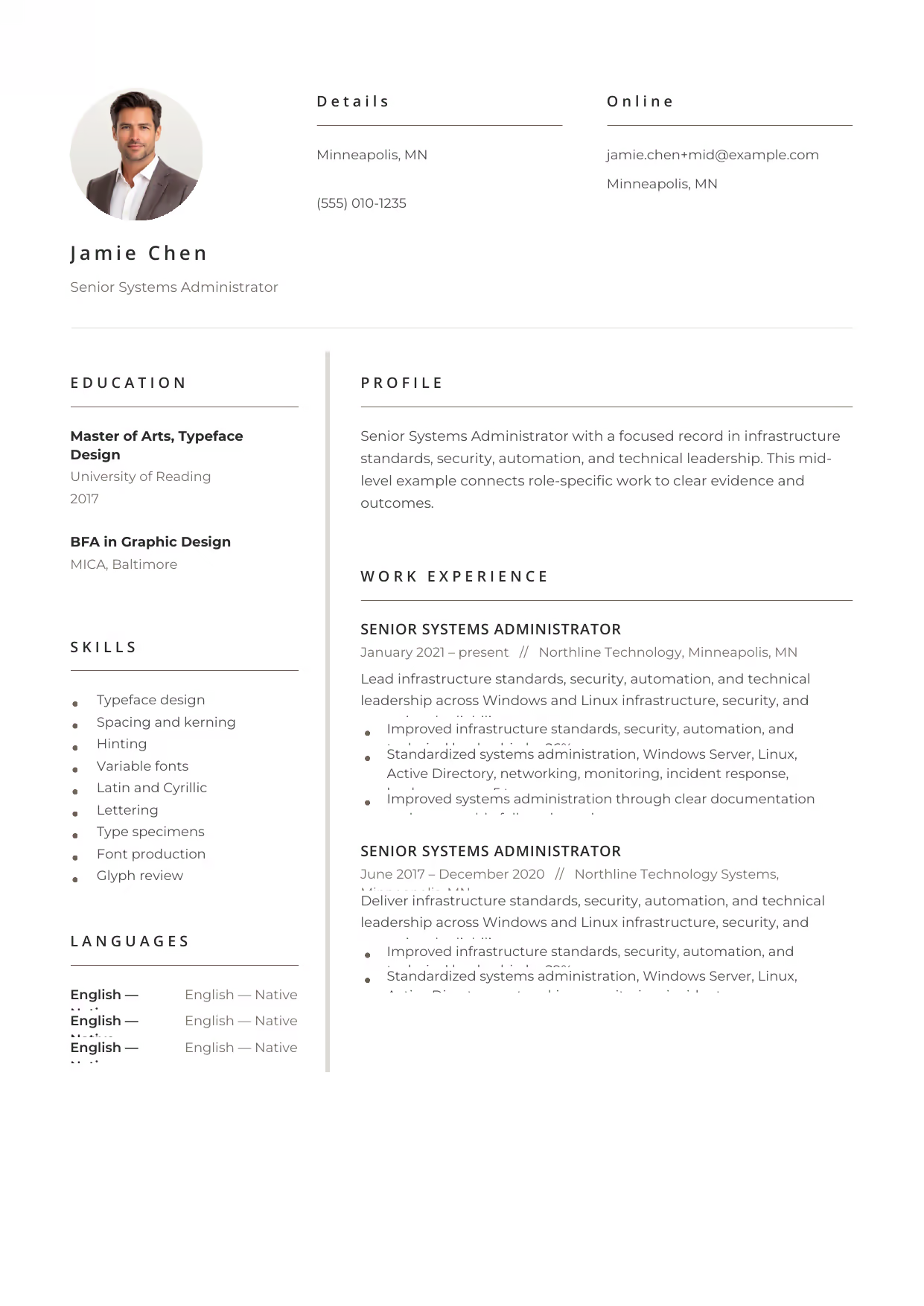
Study how this mid-level Senior Systems Administrator resume organizes Active Directory, monitoring, incident response, and backups in the Delphinus template. Replace every example with your own verified scope, tools, decisions, and outcomes.
- Evidence focus: Active Directory, monitoring, incident response, and backups
- Career-stage lens: mid-level scope and ownership
- Layout lens: Delphinus information hierarchy
 Open editable resume
Senior Systems Administrator
Study how this mid-level Senior Systems Administrator resume organizes Active Directory, monitoring, incident response, and backups in the Pictor template. Replace every example with your own verified scope, tools, decisions, and outcomes.
- Evidence focus: Active Directory, monitoring, incident response, and backups
- Career-stage lens: mid-level scope and ownership
- Layout lens: Pictor information hierarchy
Senior Systems Administrator Resume (8+ Years / Management)
Use these advanced examples to compare the scope, evidence, and language expected for Systems Administrator roles at this stage.
 Open editable resume
Lead Systems Administrator
Study how this advanced Lead Systems Administrator resume organizes infrastructure standards, security, automation, and technical leadership in the Acamar template. Replace every example with your own verified scope, tools, decisions, and outcomes.
- Evidence focus: infrastructure standards, security, automation, and technical leadership
- Career-stage lens: advanced scope and ownership
- Layout lens: Acamar information hierarchy
 Open editable resume
Lead Systems Administrator
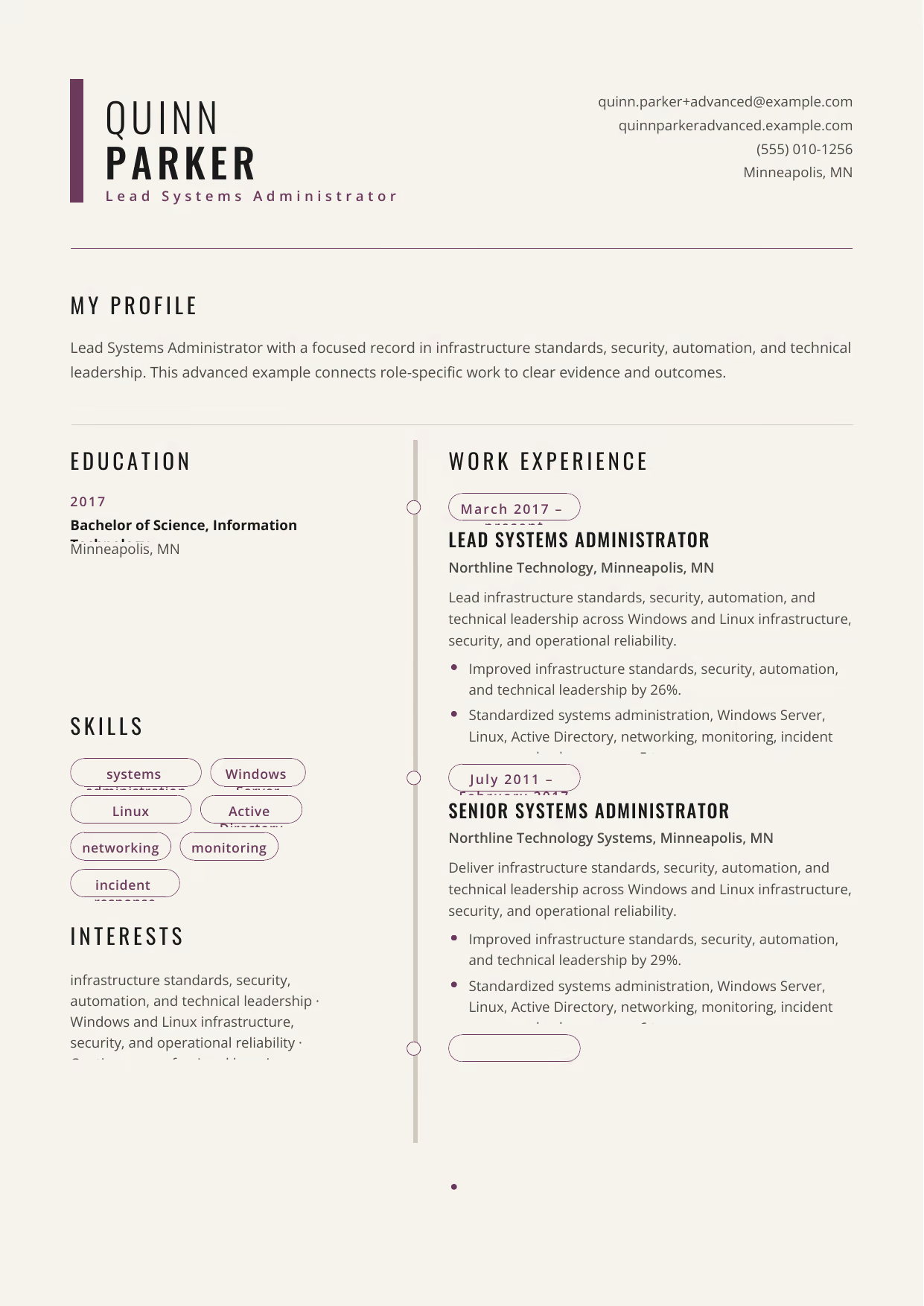
Study how this advanced Lead Systems Administrator resume organizes infrastructure standards, security, automation, and technical leadership in the Pavo template. Replace every example with your own verified scope, tools, decisions, and outcomes.
- Evidence focus: infrastructure standards, security, automation, and technical leadership
- Career-stage lens: advanced scope and ownership
- Layout lens: Pavo information hierarchy
 Open editable resume
Lead Systems Administrator
Study how this advanced Lead Systems Administrator resume organizes infrastructure standards, security, automation, and technical leadership in the Caelum template. Replace every example with your own verified scope, tools, decisions, and outcomes.
- Evidence focus: infrastructure standards, security, automation, and technical leadership
- Career-stage lens: advanced scope and ownership
- Layout lens: Caelum information hierarchy
Choose a direction
Systems Administrator Resume Examples by Specialty
Choose the Systems Administrator path closest to the job you want. Each profile highlights the work, preparation, and evidence hiring teams expect for that specialty.
Specialty 01
Windows Systems Administrator
- Resume focus:
- Active Directory, identity, endpoints, patching, automation, backup, and support;
- Credentials:
- Microsoft, security, networking, or IT service credentials;
- Evidence to include:
- Users, servers, policies, patching, incidents, automation, and availability;
Specialty 02
Linux Systems Administrator
- Resume focus:
- Linux servers, configuration, shell automation, services, monitoring, security, and recovery;
- Credentials:
- Linux, cloud, security, networking, or automation credentials;
- Evidence to include:
- Server estate, configuration, changes, monitoring, incidents, backup, and outcomes;
Specialty 03
Cloud Systems Administrator
- Resume focus:
- Cloud identity, compute, networks, storage, policy, monitoring, cost, and operational support;
- Credentials:
- AWS, Azure, Google Cloud, security, or Terraform credentials;
- Evidence to include:
- Accounts, resources, automation, security, availability, cost, and service outcomes;
Credentials
Systems Administrator Licenses and Certifications
List only current education, licenses, or certifications that apply to the target role. Give the exact credential and issuing organization, and leave private identifier numbers off a public resume.
Platforms
- Current Microsoft, Linux, cloud, virtualization, or networking credential;
- Exact issuer, level, and current status;
Operations and security
- Security, backup, IT service management, automation, or incident-response training;
- Only qualifications connected to the target systems environment;
Role language
Systems Administrator Skills and ATS Keywords by Category
Use language that truthfully matches your Systems Administrator experience and the job posting. Pair important terms with a work example instead of presenting an unsupported keyword list.
Skills by category
Systems operations
- Windows or Linux administration, identity, networking, virtualization, storage, and backup;
- Patching, configuration, monitoring, capacity, performance, and disaster recovery;
Service delivery
- Automation, scripting, change control, incident response, documentation, and support;
- Security hardening, access reviews, vendor coordination, cloud operations, and cost awareness;
ATS keywords by category
Administration terms
- Systems Administrator, Active Directory, Linux, Windows Server;
- Identity, virtualization, networking, patch management, backup;
Operations terms
- PowerShell, Bash, automation, monitoring, incident response;
- Cloud, security hardening, disaster recovery, change management, documentation;
Writing framework
How to Write a Systems Administrator Resume
The Resume Summary
The resume summary is your first chance to make a strong impression. Tailor it to the specific job and highlight your most relevant skills and experience.
Formula: [Years of Experience] + [Job Title] + [Key Skills] + [Quantifiable Achievement]
Entry-Level Example: Recent Computer Science graduate seeking an entry-level Systems Administrator position, eager to apply skills in network troubleshooting and user support to contribute to a dynamic IT environment.
Mid-Level Example: Experienced Systems Administrator with 5+ years of experience managing Windows Server environments, skilled in network security and cloud management, with a proven track record of reducing server downtime by 20%.
Senior Example: Highly accomplished Senior Systems Administrator with 15+ years of experience leading IT teams and implementing strategic IT initiatives, expertise in cloud computing and cybersecurity, with a proven ability to reduce infrastructure costs by 25%.
Work Experience & Action Verbs
Focus on achievements rather than just listing duties. Use strong action verbs to describe your accomplishments and quantify your impact whenever possible.
- Before: Responsible for managing servers. After: Managed a Windows Server environment consisting of 50+ servers, ensuring high availability and optimal performance.
- Before: Provided technical support. After: Provided technical support to end-users, resolving issues promptly and efficiently, resulting in a 95% customer satisfaction rate.
- Before: Implemented security measures. After: Implemented a new network security solution that reduced security incidents by 30%.
- Before: Automated tasks. After: Automated system maintenance tasks using PowerShell scripting, saving 10+ hours per week.
- Before: Migrated servers to the cloud. After: Migrated on-premises servers to AWS cloud, reducing infrastructure costs by 15%.
Top Skills for Systems Administrators
Highlight both technical and soft skills to demonstrate your overall competence.
- Hard Skills:
- Windows Server Administration
- Linux Administration
- Network Security
- Cloud Computing (AWS, Azure, GCP)
- Scripting (PowerShell, Python, Bash)
- Virtualization (VMware, VirtualBox)
- Database Management (SQL, MySQL)
- Soft Skills:
- Problem-solving
- Communication
- Teamwork
- Time Management
- Critical Thinking
- Attention to Detail
- Tools/Software:
- Active Directory
- VMware
- AWS CloudFormation
- Azure Resource Manager
- Nagios
- Zabbix
- Wireshark
Education & Certifications
List your education and certifications in reverse chronological order. For entry-level positions, emphasize relevant coursework. For senior positions, highlight advanced certifications.
Required or recommended certifications for Systems Administrators include:
- CompTIA A+
- CompTIA Network+
- CompTIA Security+
- Microsoft Certified: Azure Administrator Associate
- AWS Certified SysOps Administrator – Associate
- Cisco Certified Network Associate (CCNA)
- Certified Information Systems Security Professional (CISSP)
Quality check
10 Common Systems Administrator Resume Mistakes
- Generic Objective Statements: Using a vague objective that doesn’t highlight your specific skills or career goals. This fails to capture the recruiter’s attention. Instead, tailor your summary to reflect the specific requirements of the Systems Administrator role, showcasing your understanding of core IT operations.
- Listing Duties Instead of Impact: Recruiters know what a Systems Administrator does; they want to know how well you did it. Replace passive phrases like ‘Responsible for server maintenance’ with quantified wins like ‘Reduced server downtime by 20% through proactive maintenance and monitoring’.
- Ignoring Keywords: Failing to include relevant keywords from the job description. This causes your resume to be overlooked by Applicant Tracking Systems (ATS). Research the specific technical terms used in the posting, such as ‘Active Directory’, ‘Cloud Migration’, or ‘Network Security’, and incorporate them naturally into your resume.
- Poor Formatting: Using a cluttered or unprofessional resume format. This distracts from your qualifications and makes your resume difficult to read. Opt for a clean, ATS-friendly design with clear headings and bullet points to highlight your skills and experience.
- Grammar and Spelling Errors: Typos in general are bad, but misspelling critical tools or certifications (like ‘PowerShell’ or ‘CCNA’) acts as an immediate red flag regarding your attention to detail. Proofread carefully or use a grammar checker to ensure your resume is error-free.
- Inconsistent Dates: Presenting employment dates that are inaccurate or inconsistent. This raises red flags about your honesty and attention to detail. Double-check all dates to ensure they are accurate and consistent across your resume.
- Lack of Quantifiable Results: Failing to quantify your achievements with specific numbers or metrics. This prevents recruiters from understanding the impact of your work. Always include measurable results, such as ‘Reduced infrastructure costs by 15%’ or ‘Improved system performance by 25%’.
- Irrelevant Information: Including hobbies or interests that are not relevant to the job. This wastes valuable space on your resume. Focus on showcasing your skills and experience that directly align with the requirements of the Systems Administrator position.
- Neglecting Soft Skills: Overlooking the importance of soft skills such as communication, problem-solving, and teamwork. These skills are essential for Systems Administrators who need to collaborate with colleagues and support end-users. Highlight instances where you demonstrated these skills in your previous roles.
- Outdated Information: Including outdated information or technologies that are no longer relevant. This makes you appear out of touch with current industry trends. Ensure your skills and experience are up-to-date and reflect your knowledge of the latest technologies, such as cloud computing and cybersecurity protocols.
Common questions
Frequently Asked Questions (Systems Administrator)
What should a Systems Administrator resume emphasize first?
Lead with the scope of Windows Server, Linux, and dependable systems operations, then connect your contribution to a clear outcome, tool, or decision.
Which skills deserve priority on a Systems Administrator resume?
Prioritize systems administration, Windows Server, and Linux when they match the role and can be supported by evidence.
How can a Systems Administrator show project scope and impact?
Name the environment, scale, constraints, and result; Active Directory, monitoring, incident response, and backups becomes more credible when the context is concrete.
How should a Systems Administrator describe tools and technical decisions?
Describe why you selected a method, how you implemented it, and what changed afterward in the Systems Administrator role.
Which achievements matter most for a Systems Administrator application?
Use outcome-led bullets that show infrastructure standards, security, automation, and technical leadership through delivery quality, measurable scope, or stakeholder value.
How long should a Systems Administrator resume be?
Use the shortest length that proves fit; a focused page can work early-career, while broader Systems Administrator scope may need more room.
How can a Systems Administrator explain progression between career stages?
Group examples by increasing ownership, moving from Windows Server, Linux, and dependable systems operations toward infrastructure standards, security, automation, and technical leadership as responsibility grows.
Which keywords should a Systems Administrator include for screening systems?
Mirror truthful language from the posting, especially Active Directory, without stuffing unrelated terms.
How should a Systems Administrator present reliability, quality, or safety work?
Show how you protected outcomes through networking and explain the evidence a hiring team can verify.
What format makes a Systems Administrator resume easy for hiring teams to scan?
Use clear headings, readable bullets, and consistent dates so a hiring manager can evaluate Systems Administrator fit quickly.
Crafting a compelling Systems Administrator resume requires careful attention to detail and a strategic approach. By following the examples and tips in this guide, you can create a resume that showcases your skills, experience, and achievements, and helps you land your dream job.
Editorial review: RockStarCV Editorial Team reviewed this Systems Administrator guide for source fidelity, role-specific usefulness, accessibility, builder examples, and question completeness.