
Linux System Administrator Resume Examples
Linux System Administrator Resume Examples & Guide
Landing a Linux System Administrator job can be tough. Applicant Tracking Systems (ATS) filter out many qualified candidates, and the competition is fierce. This guide provides Linux System Administrator resume examples for every experience level, from entry-level to seasoned professionals, helping you craft a resume that gets noticed.
- Quantify Achievements: Use numbers to showcase the impact of your work.
- Highlight Relevant Skills: Emphasize skills like scripting, server management, and cloud technologies.
- Tailor to Job Description: Customize your resume to match the specific requirements of each job.
- Optimize for ATS: Use keywords from the job description and a clean, ATS-friendly format.
- Use Action Verbs: Start your bullet points with strong action verbs to demonstrate your accomplishments.
- Showcase Problem-Solving: Illustrate how you’ve tackled challenges and improved systems.
- Certifications Matter: Include relevant certifications like RHCSA or RHCE.
Ready to see how it’s done? Let’s dive into some Linux System Administrator resume examples.
Explore editable Linux System Administrator resume examples by career stage. Each sample opens in the RockStarCV builder so you can study the structure and make your own version.
Entry-Level Linux System Administrator Resume (0-2 Years Experience)
Use these entry-level examples to compare the scope, evidence, and language expected for Linux System Administrator roles at this stage.
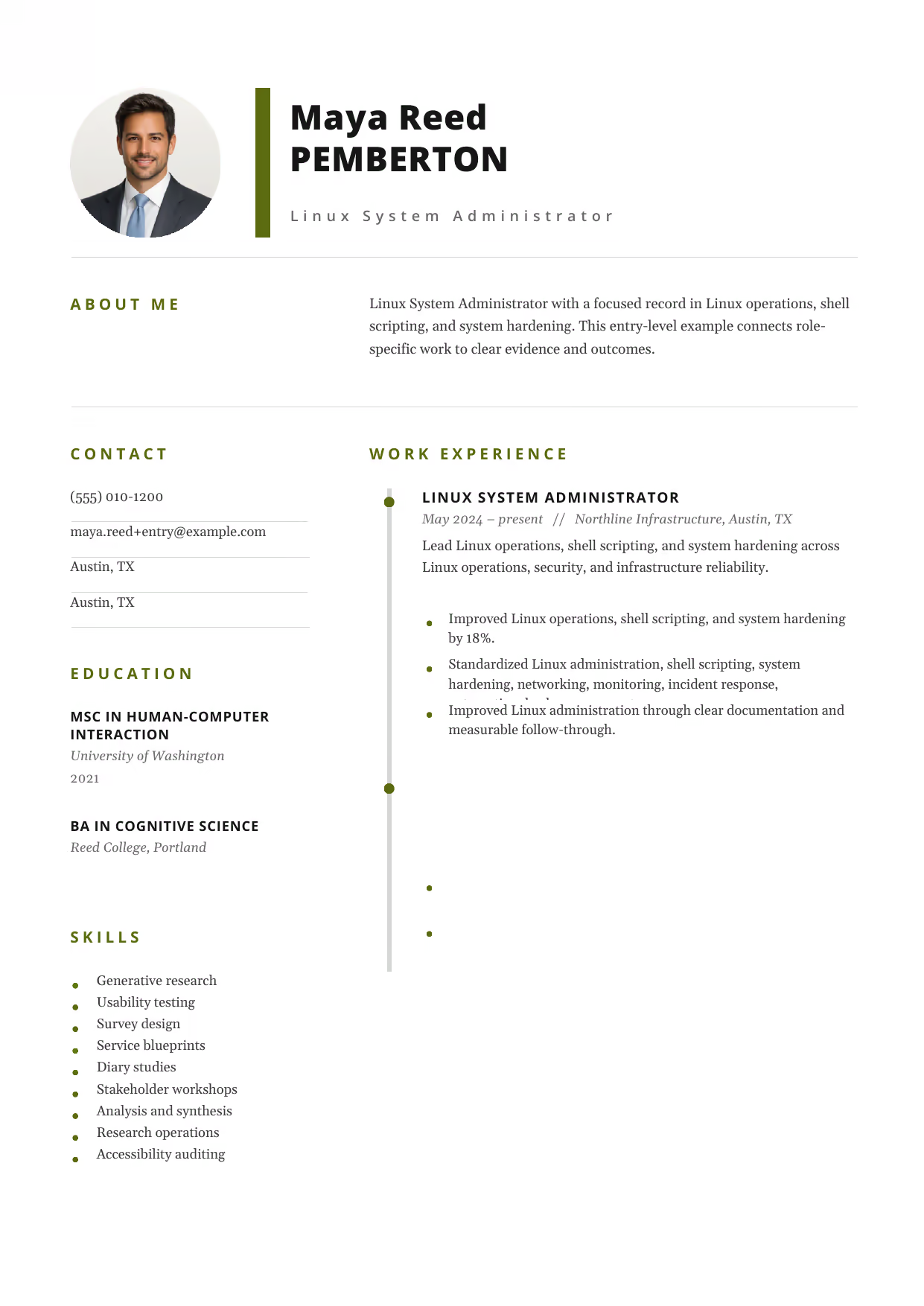
Linux System Administrator
A builder-ready entry-level Linux System Administrator example in the Pegasus template, showing stage-appropriate evidence in a focused, editable resume format.
- Editable role positioning in the Pegasus layout
- Role-specific evidence and delivery context
- Review the Pegasus structure with a clean visual hierarchy
View this resume
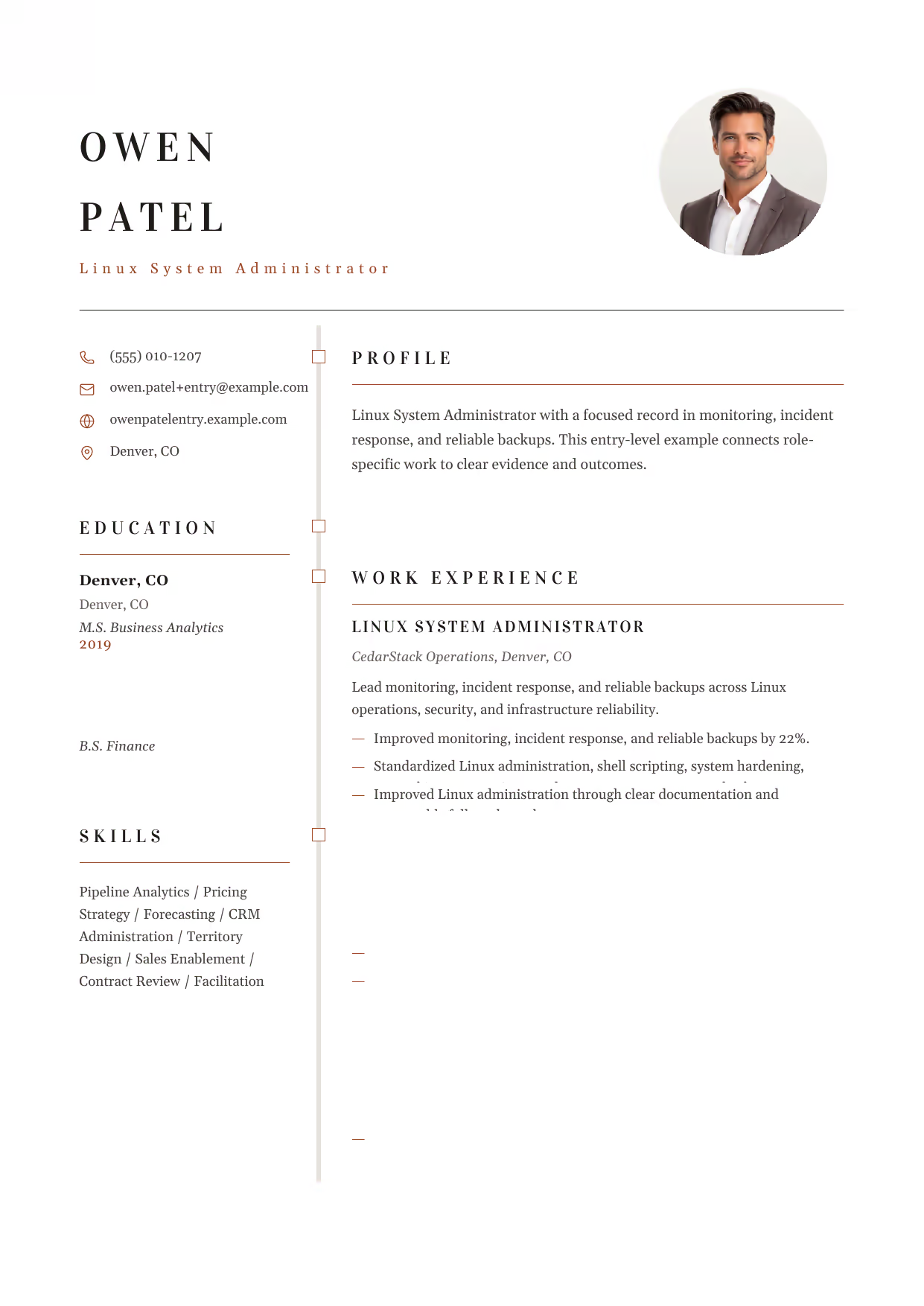
Linux System Administrator
A builder-ready entry-level Linux System Administrator example in the Draco template, showing stage-appropriate evidence in a focused, editable resume format.
- Editable role positioning in the Draco layout
- Role-specific evidence and delivery context
- Review the Draco structure with a clean visual hierarchy
View this resume

Linux System Administrator
A builder-ready entry-level Linux System Administrator example in the Acamar template, showing stage-appropriate evidence in a focused, editable resume format.
- Editable role positioning in the Acamar layout
- Role-specific evidence and delivery context
- Review the Acamar structure with a clean visual hierarchy
View this resume
Mid-Level Linux System Administrator Resume (3-7 Years Experience)
Use these mid-level examples to compare the scope, evidence, and language expected for Linux System Administrator roles at this stage.
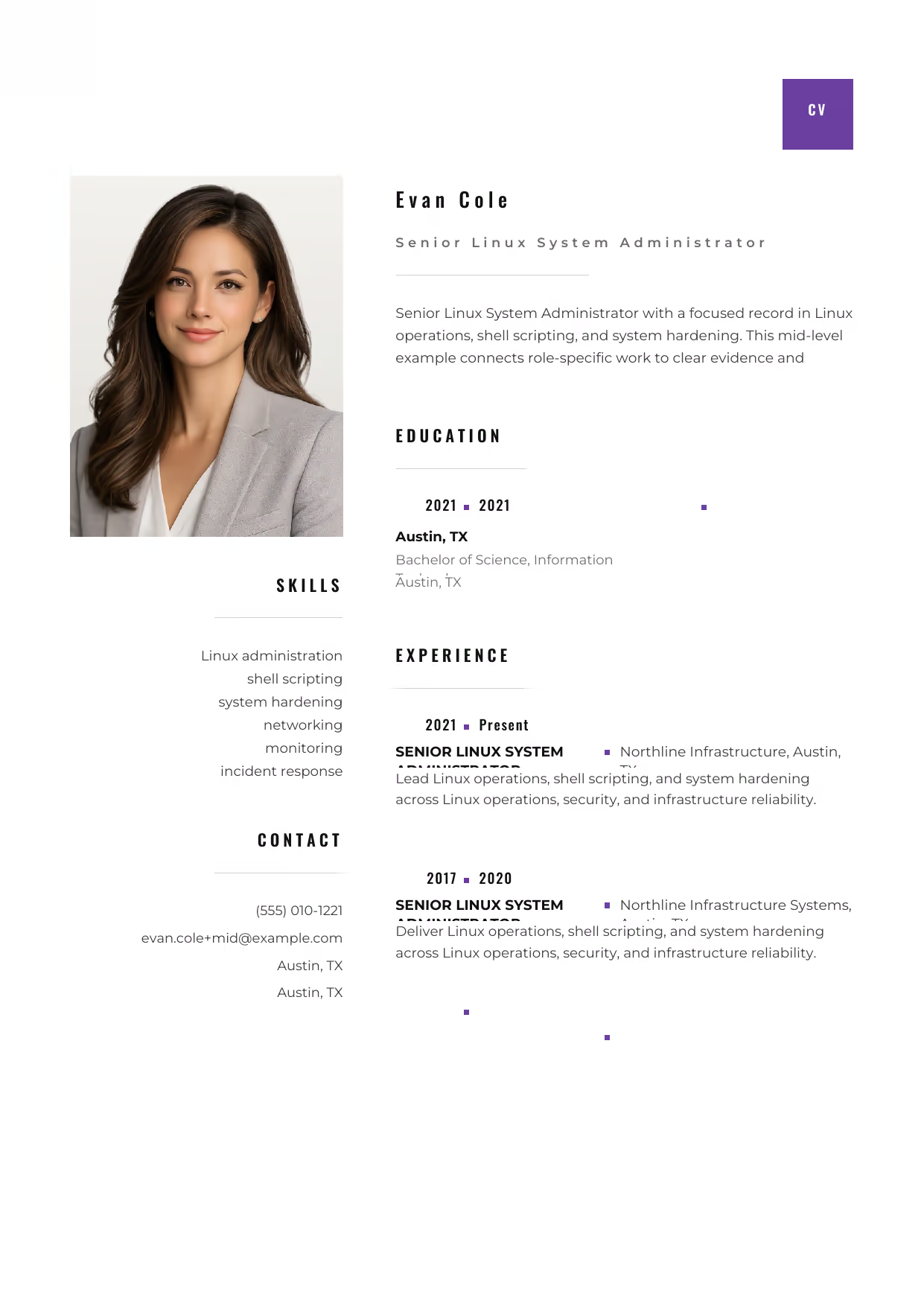
Senior Linux System Administrator
A builder-ready mid-level Linux System Administrator example in the Pyxis template, showing stage-appropriate evidence in a focused, editable resume format.
- Editable role positioning in the Pyxis layout
- Role-specific evidence and delivery context
- Review the Pyxis structure with a clean visual hierarchy
View this resume

Senior Linux System Administrator
A builder-ready mid-level Linux System Administrator example in the Aquila template, showing stage-appropriate evidence in a focused, editable resume format.
- Editable role positioning in the Aquila layout
- Role-specific evidence and delivery context
- Review the Aquila structure with a clean visual hierarchy
View this resume
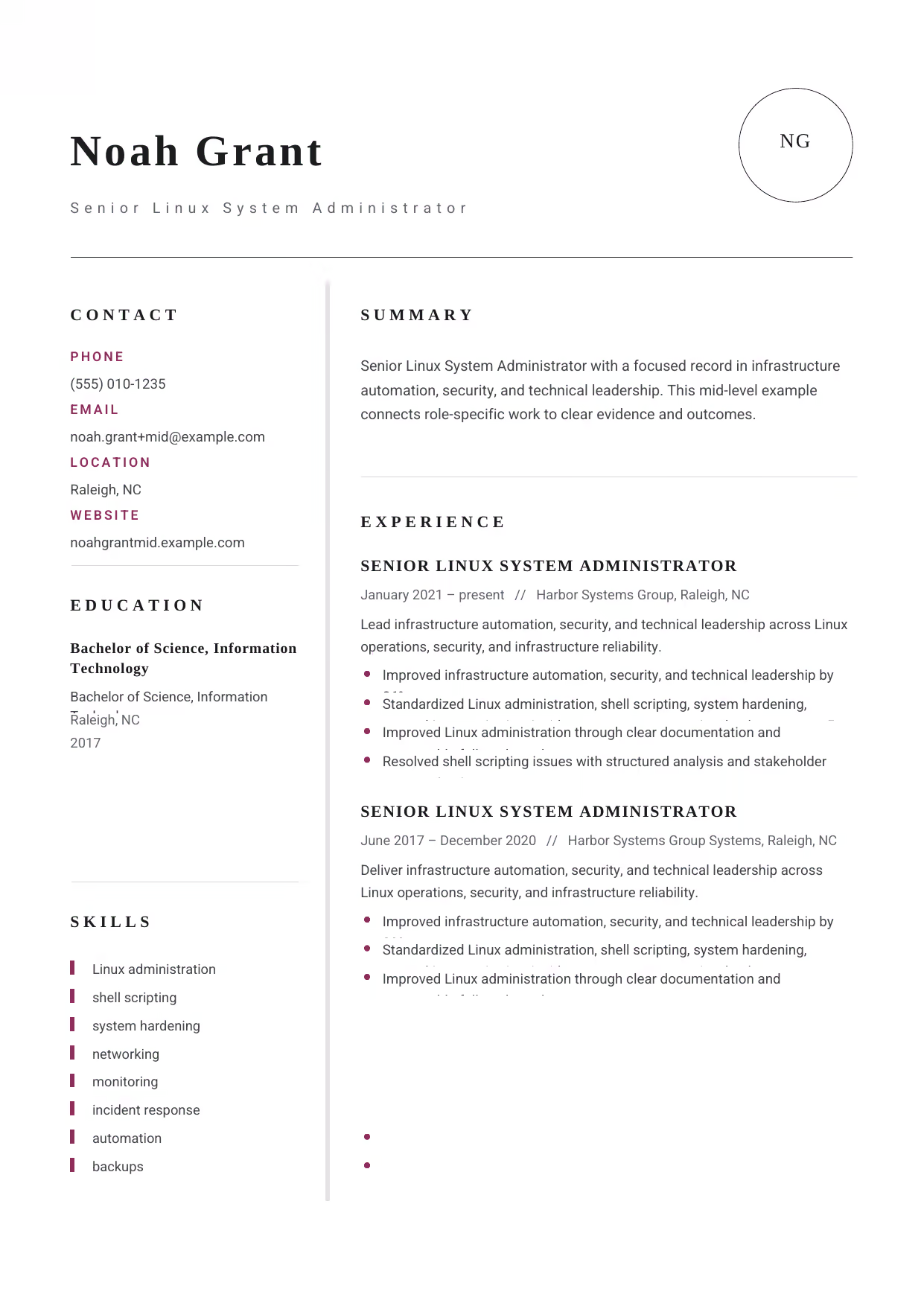
Senior Linux System Administrator
A builder-ready mid-level Linux System Administrator example in the Grus template, showing stage-appropriate evidence in a focused, editable resume format.
- Editable role positioning in the Grus layout
- Role-specific evidence and delivery context
- Review the Grus structure with a clean visual hierarchy
View this resume
Senior Linux System Administrator Resume (8+ Years / Management)
Use these advanced examples to compare the scope, evidence, and language expected for Linux System Administrator roles at this stage.
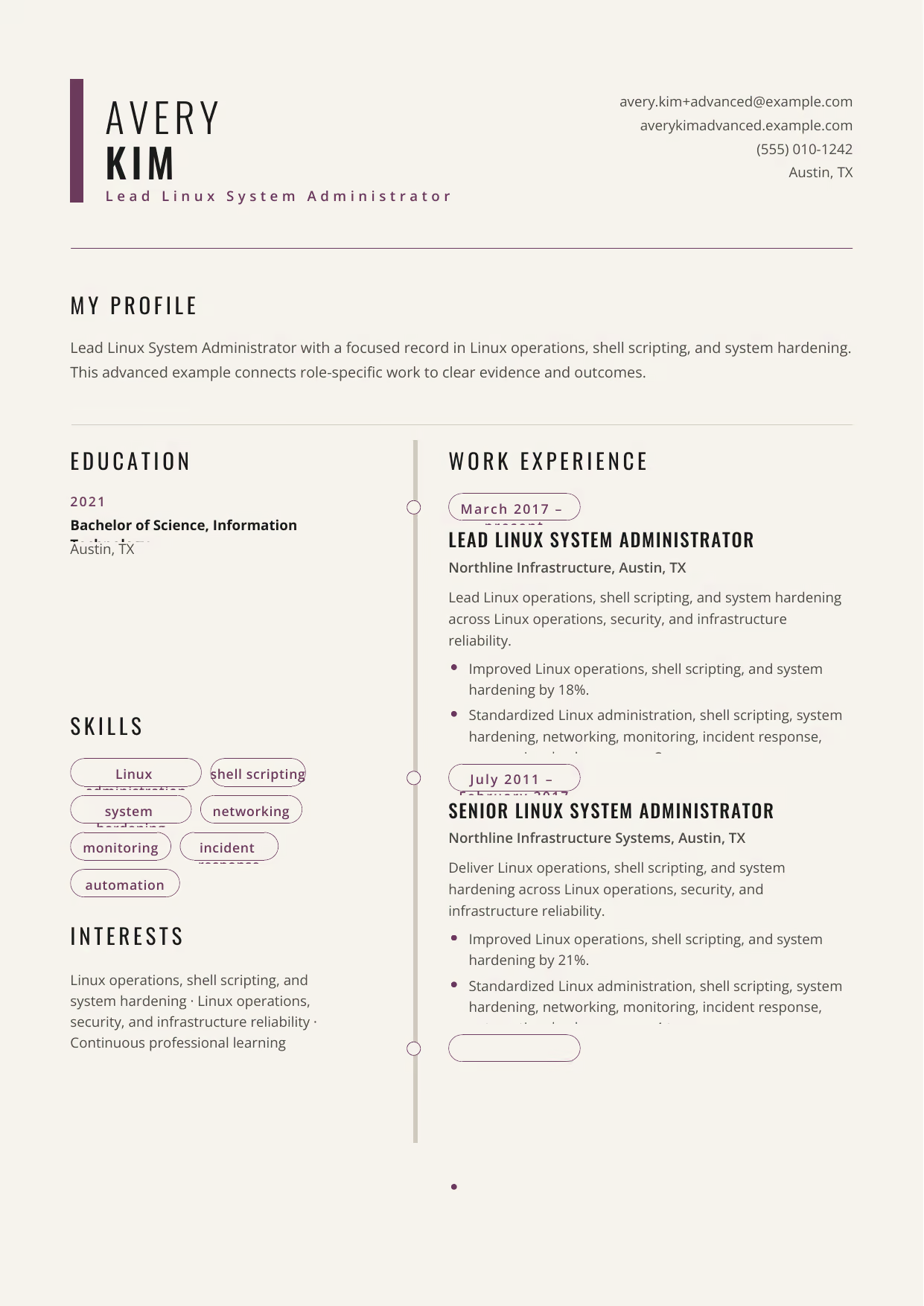
Lead Linux System Administrator
A builder-ready advanced Linux System Administrator example in the Caelum template, showing stage-appropriate evidence in a focused, editable resume format.
- Editable role positioning in the Caelum layout
- Role-specific evidence and delivery context
- Review the Caelum structure with a clean visual hierarchy
View this resume

Lead Linux System Administrator
A builder-ready advanced Linux System Administrator example in the Bootes template, showing stage-appropriate evidence in a focused, editable resume format.
- Editable role positioning in the Bootes layout
- Role-specific evidence and delivery context
- Review the Bootes structure with a clean visual hierarchy
View this resume

Lead Linux System Administrator
A builder-ready advanced Linux System Administrator example in the Puppis template, showing stage-appropriate evidence in a focused, editable resume format.
- Editable role positioning in the Puppis layout
- Role-specific evidence and delivery context
- Review the Puppis structure with a clean visual hierarchy
View this resume
How to Write a Linux System Administrator Resume
The Resume Summary
The resume summary is your first chance to make a strong impression. It should highlight your key skills and experience and explain why you’re a good fit for the role. Use this formula: Years of Experience + Key Skills + Accomplishment + Target Role.
Entry-Level Example: Recent Computer Science graduate with a strong foundation in Linux system administration principles and scripting. Eager to apply academic knowledge and develop practical skills in an entry-level Linux System Administrator role.
Mid-Level Example: Experienced Linux System Administrator with 5+ years of experience managing and maintaining complex Linux environments. Proven ability to improve system performance, enhance security, and automate routine tasks. Expertise in cloud computing, virtualization, and scripting.
Senior Example: Results-oriented Senior Linux System Administrator with 10+ years of experience leading teams, managing budgets, and driving innovation in complex Linux environments. Expertise in cloud computing, automation, and security. Proven ability to align IT strategy with business goals.
Work Experience & Action Verbs
The work experience section is where you showcase your accomplishments and demonstrate your value to potential employers. Focus on achievements rather than simply listing duties.
Duties describe what you were responsible for, while Achievements highlight the positive impact you made.
- Before: Responsible for managing Linux servers. After: Managed 50+ Linux servers, ensuring 99.9% uptime and optimal performance.
- Before: Assisted with system troubleshooting. After: Resolved 80% of system issues within the first hour, minimizing downtime and improving user satisfaction.
- Before: Worked on automating tasks. After: Automated routine system administration tasks using Ansible, reducing manual effort by 25%.
- Before: Managed security updates. After: Implemented a comprehensive security update strategy, reducing vulnerability exposure by 15%.
- Before: Provided technical support. After: Provided technical support to 100+ users, achieving a 95% customer satisfaction rating.
Top Skills for Linux System Administrators
Highlighting the right skills is crucial for attracting attention and passing ATS filters. Here are some of the top skills for Linux System Administrators:
- Hard Skills:
- Linux (Ubuntu, CentOS, Red Hat)
- Cloud Computing (AWS, Azure, GCP)
- Automation (Ansible, Chef, Puppet)
- Scripting (Bash, Python, Perl)
- Virtualization (VMware, Docker, Kubernetes)
- Security (Firewalls, Intrusion Detection, Vulnerability Scanning)
- Soft Skills:
- Problem-solving
- Communication
- Teamwork
- Analytical Skills
- Time Management
- Adaptability
- Tools/Software:
- Ansible
- Docker
- Kubernetes
- VMware
- AWS CLI
- Azure CLI
- Terraform
Education & Certifications
The education section should list your degrees and relevant coursework. For entry-level candidates, it’s important to highlight academic achievements. For experienced candidates, focus on certifications and advanced degrees.
Certifications:
- Red Hat Certified Engineer (RHCE)
- AWS Certified Solutions Architect – Professional
- Linux Professional Institute Certification (LPIC)
- CompTIA Linux+
10 Common Linux System Administrator Resume Mistakes
-
Listing Duties Instead of Impact:Recruiters know what a Linux System Administrator does; they want to know how well you did it. Replace passive phrases like ‘Responsible for server maintenance’ with quantified wins like ‘Reduced server downtime by 15% through proactive maintenance and automation’.
-
Ignoring ATS Optimization:Neglecting ATS optimization means your resume might never be seen by a human. Use keywords from the job description, a simple format, and avoid tables or images to ensure your resume is scannable.
-
Generic Summary Statements:A generic summary fails to capture attention. Tailor your summary to each job, highlighting your most relevant skills and experience. For example, if the job emphasizes cloud experience, highlight your AWS or Azure skills prominently.
-
Typos and Grammatical Errors:Typos in general are bad, but misspelling critical tools or certifications (like ‘Kubernetes’, ‘Ansible’, or ‘RHCE’) acts as an immediate red flag regarding your attention to detail. Proofread carefully or use a professional editing service.
-
Lack of Quantifiable Achievements:Numbers speak louder than words. Instead of saying ‘Improved system performance’, say ‘Improved system performance by 20%, resulting in a 10% reduction in server costs’.
-
Irrelevant Information:Including irrelevant information (like unrelated hobbies or outdated skills) dilutes your resume’s impact. Focus solely on skills and experience that align with the job requirements.
-
Inconsistent Formatting:Inconsistent formatting makes your resume look unprofessional and disorganized. Use a consistent font, font size, and spacing throughout your resume.
-
Poorly Defined Skills Section:A poorly defined skills section fails to highlight your key competencies. Categorize your skills (e.g., Operating Systems, Cloud Computing, Automation) and list specific tools and technologies you’re proficient in.
-
Ignoring Soft Skills:While technical skills are important, soft skills like communication, problem-solving, and teamwork are also crucial. Highlight these skills in your summary and work experience sections.
-
Not Tailoring to the Job Description:Failing to tailor your resume to the job description is a missed opportunity. Review the job requirements carefully and customize your resume to match the specific skills and experience the employer is seeking.
Frequently Asked Questions (Linux System Administrator)
Crafting a compelling Linux System Administrator resume requires careful attention to detail and a strategic approach. By following the examples and tips in this guide, you can create a resume that showcases your skills, experience, and achievements and helps you land your dream job. Search more Linux System Administrator resources to further refine your job application strategy.



Keep Exploring! There’s More to Discover:


