Windows System Administrator Resume Examples & Guide
Landing a Windows System Administrator job can be tough. Applicant Tracking Systems (ATS) filter out many qualified candidates, and the competition is fierce. This guide provides Windows System Administrator resume examples tailored for entry-level, mid-level, and senior professionals, helping you stand out.
- Quantify Achievements: Use numbers to showcase the impact of your work.
- Highlight Relevant Skills: Emphasize skills directly related to Windows system administration, such as server management, network configuration, and scripting.
- Tailor to Job Description: Customize your resume for each specific job application, mirroring the keywords and requirements listed.
- Optimize for ATS: Use a clean, ATS-friendly format and incorporate relevant keywords throughout your resume.
- Use Action Verbs: Start your bullet points with strong action verbs to describe your accomplishments.
Ready to see how these tips translate into effective resumes? Let’s dive into some examples.
Explore editable Windows System Administrator resume examples by career stage. Each sample opens in the RockStarCV builder so you can study the structure and make your own version.
Entry-Level Windows System Administrator Resume (0-2 Years Experience)
Use these entry-level examples to compare the scope, evidence, and language expected for Windows System Administrator roles at this stage.
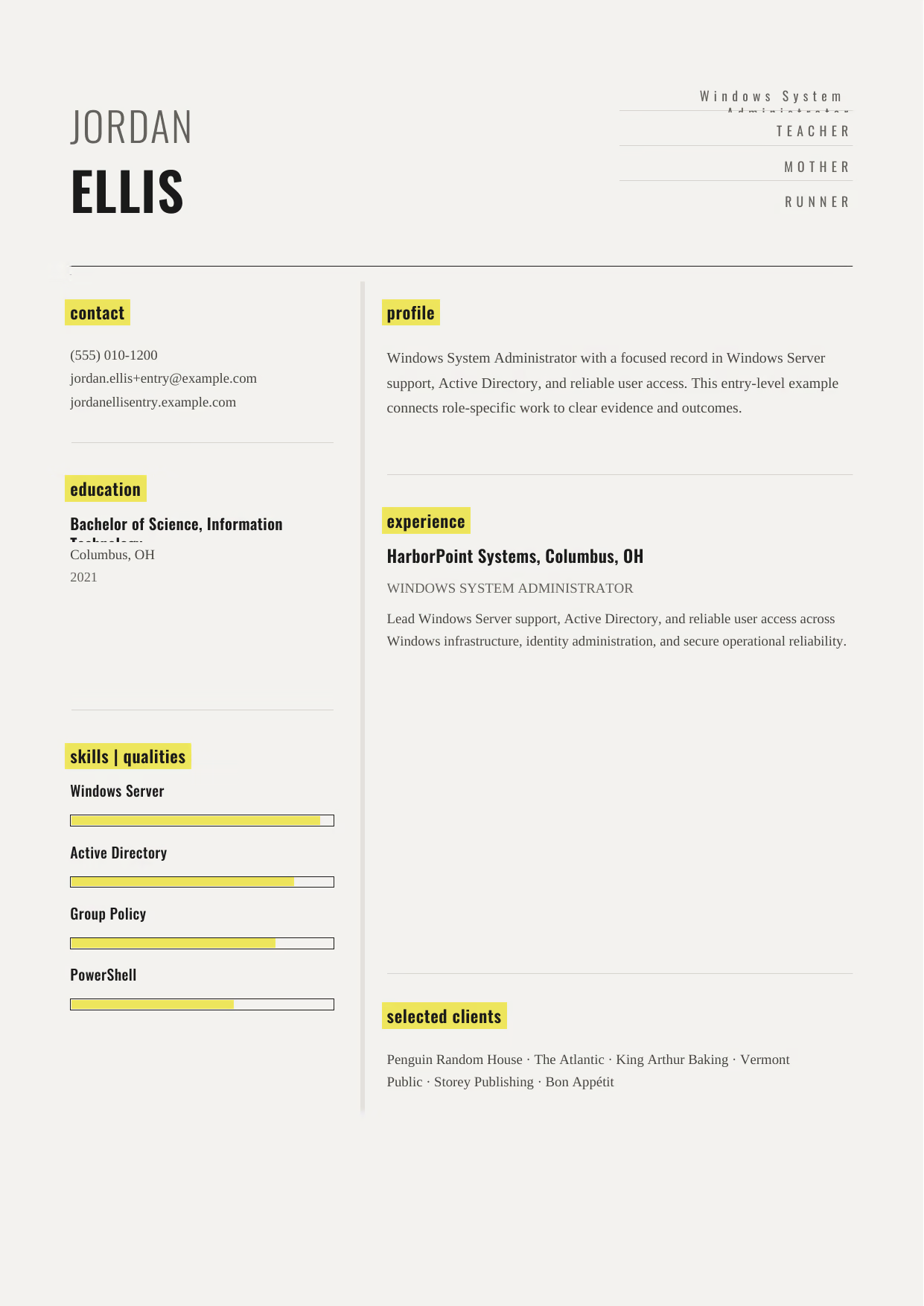
Windows System Administrator
A builder-ready entry-level Windows System Administrator example in the Dorado template, showing stage-appropriate evidence in a focused, editable resume format.
- Editable role positioning in the Dorado layout
- Role-specific evidence and delivery context
- Review the Dorado structure with a clean visual hierarchy
View this resume

Windows System Administrator
A builder-ready entry-level Windows System Administrator example in the Pyxis template, showing stage-appropriate evidence in a focused, editable resume format.
- Editable role positioning in the Pyxis layout
- Role-specific evidence and delivery context
- Review the Pyxis structure with a clean visual hierarchy
View this resume

Windows System Administrator
A builder-ready entry-level Windows System Administrator example in the Synnove template, showing stage-appropriate evidence in a focused, editable resume format.
- Editable role positioning in the Synnove layout
- Role-specific evidence and delivery context
- Review the Synnove structure with a clean visual hierarchy
View this resume
Mid-Level Windows System Administrator Resume (3-7 Years Experience)
Use these mid-level examples to compare the scope, evidence, and language expected for Windows System Administrator roles at this stage.
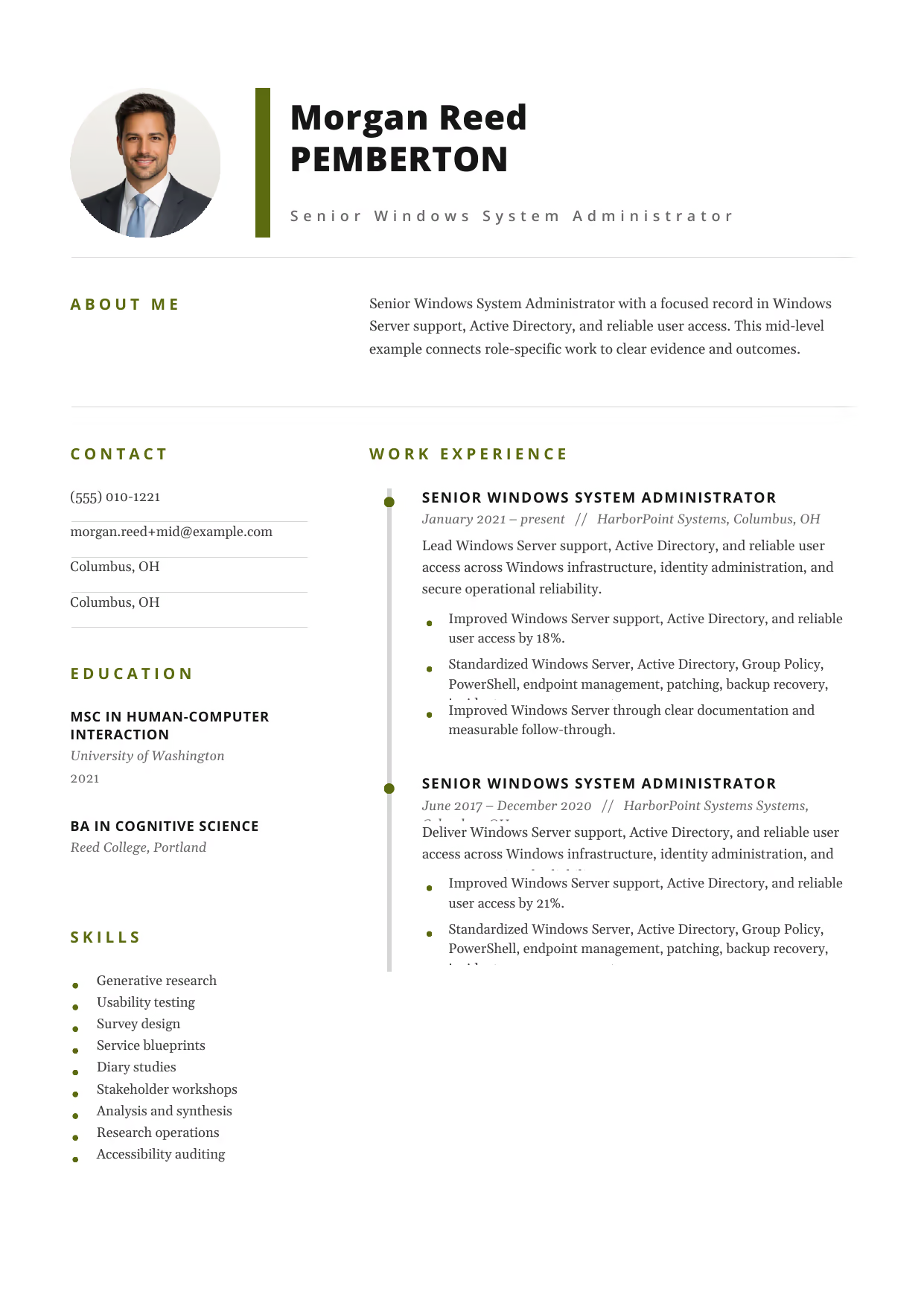
Senior Windows System Administrator
A builder-ready mid-level Windows System Administrator example in the Pegasus template, showing stage-appropriate evidence in a focused, editable resume format.
- Editable role positioning in the Pegasus layout
- Role-specific evidence and delivery context
- Review the Pegasus structure with a clean visual hierarchy
View this resume
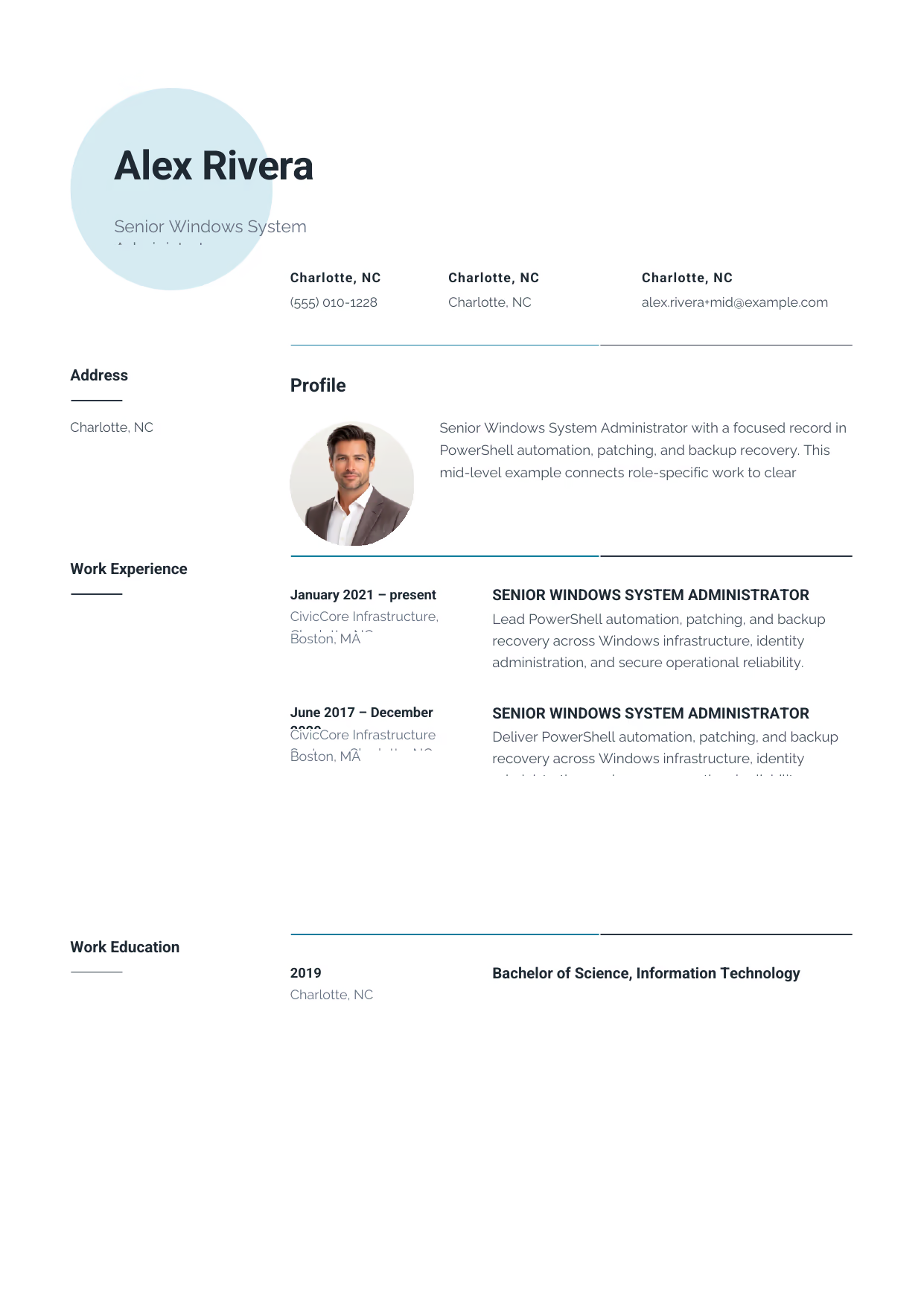
Senior Windows System Administrator
A builder-ready mid-level Windows System Administrator example in the Pavo template, showing stage-appropriate evidence in a focused, editable resume format.
- Editable role positioning in the Pavo layout
- Role-specific evidence and delivery context
- Review the Pavo structure with a clean visual hierarchy
View this resume

Senior Windows System Administrator
A builder-ready mid-level Windows System Administrator example in the Equuleus template, showing stage-appropriate evidence in a focused, editable resume format.
- Editable role positioning in the Equuleus layout
- Role-specific evidence and delivery context
- Review the Equuleus structure with a clean visual hierarchy
View this resume
Senior Windows System Administrator Resume (8+ Years / Management)
Use these advanced examples to compare the scope, evidence, and language expected for Windows System Administrator roles at this stage.

Windows Infrastructure Lead
A builder-ready advanced Windows System Administrator example in the Bootes template, showing stage-appropriate evidence in a focused, editable resume format.
- Editable role positioning in the Bootes layout
- Role-specific evidence and delivery context
- Review the Bootes structure with a clean visual hierarchy
View this resume
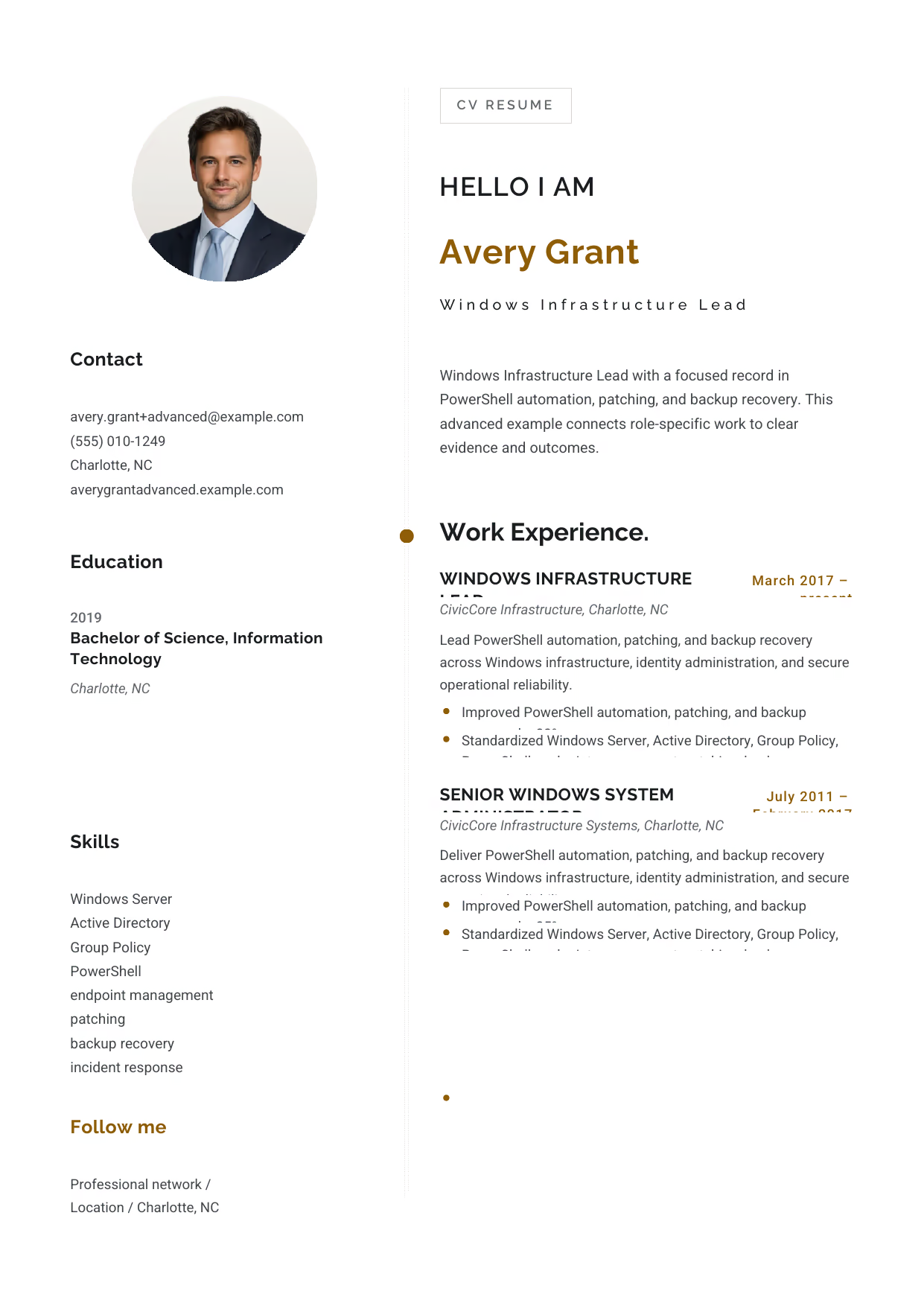
Windows Infrastructure Lead
A builder-ready advanced Windows System Administrator example in the Eridanus template, showing stage-appropriate evidence in a focused, editable resume format.
- Editable role positioning in the Eridanus layout
- Role-specific evidence and delivery context
- Review the Eridanus structure with a clean visual hierarchy
View this resume
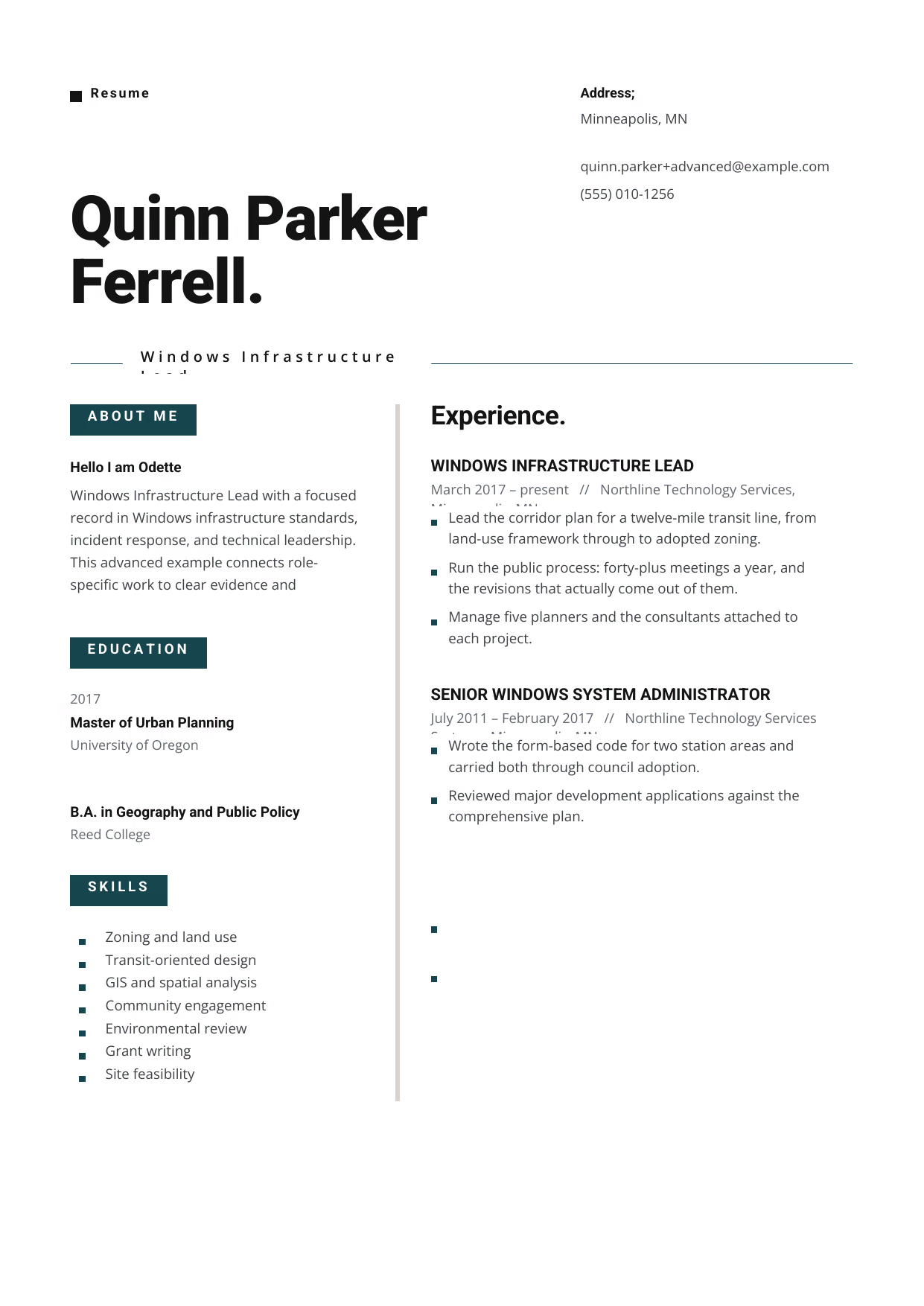
Windows Infrastructure Lead
A builder-ready advanced Windows System Administrator example in the Indus template, showing stage-appropriate evidence in a focused, editable resume format.
- Editable role positioning in the Indus layout
- Role-specific evidence and delivery context
- Review the Indus structure with a clean visual hierarchy
View this resume
How to Write a Windows System Administrator Resume
The Resume Summary
The resume summary is your first chance to make a strong impression. Use it to highlight your key skills and experience and explain why you’re a good fit for the job.
Formula: [Years of Experience] + [Key Skills] + [Quantifiable Achievement] + [Goal]
Example (Entry-Level):
Enthusiastic Computer Science graduate with a strong foundation in Windows Server and Active Directory. Eager to apply problem-solving skills and contribute to a dynamic IT team.
Example (Mid-Level):
Experienced Windows System Administrator with 5+ years of experience managing Windows Server environments. Proven ability to reduce server downtime and enhance security. Seeking a challenging role to leverage expertise in virtualization and automation.
Example (Senior):
Highly accomplished Senior Windows System Administrator with 10+ years of experience leading and managing large-scale IT infrastructure. Expertise in cloud computing, virtualization, and security. Seeking a strategic leadership role to drive IT innovation and align with business objectives.
Work Experience & Action Verbs
The work experience section is where you showcase your accomplishments and demonstrate your value to potential employers. Focus on achievements rather than just listing duties.
Duties describe what you were responsible for, while Achievements highlight what you accomplished and the impact you made.
- Before: Responsible for managing Windows Servers. After: Managed a Windows Server environment consisting of 100+ servers, ensuring optimal performance and security.
- Before: Provided technical support to end-users. After: Provided technical support to end-users, resolving hardware and software issues in a timely manner, resulting in a 20% reduction in help desk tickets.
- Before: Implemented security measures. After: Implemented and maintained a robust security infrastructure, protecting against cyber threats and data breaches, resulting in zero security incidents in the past year.
- Before: Automated system administration tasks. After: Automated system administration tasks using PowerShell scripting, resulting in a 20% reduction in manual effort and improved efficiency.
- Before: Managed Active Directory. After: Managed Active Directory Group Policies to enhance security and enforce compliance, ensuring adherence to industry standards and regulations.
Top Skills for Windows System Administrators
Here are some of the top skills that Windows System Administrators should include on their resumes:
Hard Skills
- Windows Server Administration
- Active Directory Management
- PowerShell Scripting
- Virtualization (VMware, Hyper-V)
- Cloud Computing (Azure, AWS)
- Networking (TCP/IP, DNS, DHCP)
- Security (Firewalls, Antivirus, Intrusion Detection)
- Troubleshooting
Soft Skills
- Problem-solving
- Communication
- Teamwork
- Time Management
- Critical Thinking
- Attention to Detail
- Adaptability
Tools/Software
- VMware vSphere
- Microsoft Azure
- Amazon Web Services (AWS)
- PowerShell ISE
- SolarWinds Network Performance Monitor
- Wireshark
- Microsoft System Center Configuration Manager (SCCM)
Education & Certifications
The education section should include your degrees, certifications, and any relevant coursework. For entry-level candidates, it’s important to highlight your academic achievements and relevant coursework. For mid-level and senior candidates, focus on certifications and advanced degrees.
Required or Recommended Certifications:
- Microsoft Certified Solutions Associate (MCSA): Windows Server
- Microsoft Certified Solutions Expert (MCSE): Windows Server
- Certified Information Systems Security Professional (CISSP)
- CompTIA Security+
10 Common Windows System Administrator Resume Mistakes
- Lack of Specificity: Generic descriptions fail to showcase your unique skills. Instead of ‘Managed servers,’ use ‘Managed 50+ Windows Servers, ensuring 99.9% uptime.’ This demonstrates quantifiable impact. Failing to specify creates doubt in the recruiter’s mind about your practical experience.
- Ignoring ATS Optimization: Using fancy formatting or graphics can make your resume unreadable to Applicant Tracking Systems (ATS). Stick to a clean, simple format with standard fonts. Not optimizing for ATS means your resume might never reach a human.
- Neglecting Key Skills: Failing to list essential skills like PowerShell scripting, Active Directory management, or cloud computing can be a deal-breaker. Include a dedicated skills section with both hard and soft skills. Omitting skills signals a lack of core competencies.
- Focusing on Duties, Not Achievements: Recruiters want to know what you accomplished, not just what you were responsible for. Instead of ‘Responsible for network security,’ use ‘Implemented a network security protocol that reduced security breaches by 30%.’ This highlights your impact.
- Grammar and Spelling Errors: Typos and grammatical errors make you look unprofessional and careless. Proofread your resume carefully before submitting it. Poor grammar creates a negative first impression.
- Inconsistent Formatting: Inconsistent formatting makes your resume look sloppy and unprofessional. Use the same font, font size, and spacing throughout your resume. Inconsistency signals a lack of attention to detail.
- Omitting Certifications: Certifications like MCSA, MCSE, and CISSP demonstrate your expertise and commitment to professional development. List any relevant certifications in a dedicated section. Leaving out certifications diminishes your credibility.
- Ignoring the Job Description: Failing to tailor your resume to the specific job description can result in your resume being overlooked. Carefully review the job description and highlight the skills and experience that are most relevant. Irrelevance suggests a lack of genuine interest.
- Poor Summary Statement: A weak or generic summary statement fails to capture the recruiter’s attention. Use your summary to highlight your key skills and experience and explain why you’re a good fit for the job. A bad summary means losing the reader’s attention immediately.
- Not Quantifying Results: Failing to quantify your achievements makes it difficult for recruiters to assess your impact. Use numbers and metrics to showcase your accomplishments. For example, ‘Reduced server downtime by 15%’ or ‘Improved system performance by 20%.’ This provides concrete evidence of your value.
Frequently Asked Questions (Windows System Administrator)
- What should a Windows System Administrator resume emphasize first? Lead with the scope of Windows Server support, Active Directory, and reliable user access, then connect your contribution to a clear outcome, tool, or decision.
- Which skills deserve priority on a Windows System Administrator resume? Prioritize Windows Server, Active Directory, and Group Policy when they match the role and can be supported by evidence.
- How can a Windows System Administrator show project scope and impact? Name the environment, scale, constraints, and result; PowerShell automation, patching, and backup recovery becomes more credible when the context is concrete.
- How should a Windows System Administrator describe tools and technical decisions? Describe why you selected a method, how you implemented it, and what changed afterward in the Windows System Administrator role.
- Which achievements matter most for a Windows System Administrator application? Use outcome-led bullets that show Windows infrastructure standards, incident response, and technical leadership through delivery quality, measurable scope, or stakeholder value.
- How long should a Windows System Administrator resume be? Use the shortest length that proves fit; a focused page can work early-career, while broader Windows System Administrator scope may need more room.
- How can a Windows System Administrator explain progression between career stages? Group examples by increasing ownership, moving from Windows Server support, Active Directory, and reliable user access toward Windows infrastructure standards, incident response, and technical leadership as responsibility grows.
- Which keywords should a Windows System Administrator include for screening systems? Mirror truthful language from the posting, especially PowerShell, without stuffing unrelated terms.
- How should a Windows System Administrator present reliability, quality, or safety work? Show how you protected outcomes through endpoint management and explain the evidence a hiring team can verify.
- What format makes a Windows System Administrator resume easy for hiring teams to scan? Use clear headings, readable bullets, and consistent dates so a hiring manager can evaluate Windows System Administrator fit quickly.
Crafting a compelling Windows System Administrator resume requires careful attention to detail and a strategic approach. By following the tips and examples in this guide, you can create a resume that stands out from the competition and lands you more interviews.
To find more resources, templates and examples, Search more Windows System Administrator resources on our site.
Editorial review: RockStarCV Editorial Team reviewed this Windows System Administrator guide for source fidelity, role-specific usefulness, accessibility, builder examples, and question completeness.