Technical Support Resume Examples (Entry-Level to Senior) | Ultimate Guide
Your technical expertise is in high demand. This ultimate guide provides Technical Support resume examples for all experience levels, plus actionable tips to optimize your resume for Applicant Tracking Systems (ATS) and impress hiring managers.
Explore editable Technical Support resume examples by career stage. Each sample opens in the RockStarCV builder so you can study the structure and make your own version.
Entry-Level Technical Support Resume (0-2 Years Experience)
Use these entry-level examples to compare the scope, evidence, and language expected for Technical Support roles at this stage.

Technical Support Specialist
A builder-ready entry-level Technical Support example in the Pavo template, showing stage-appropriate evidence in a focused, editable resume format.
- Editable role positioning in the Pavo layout
- Role-specific evidence and delivery context
- Review the Pavo structure with a clean visual hierarchy
View this resume
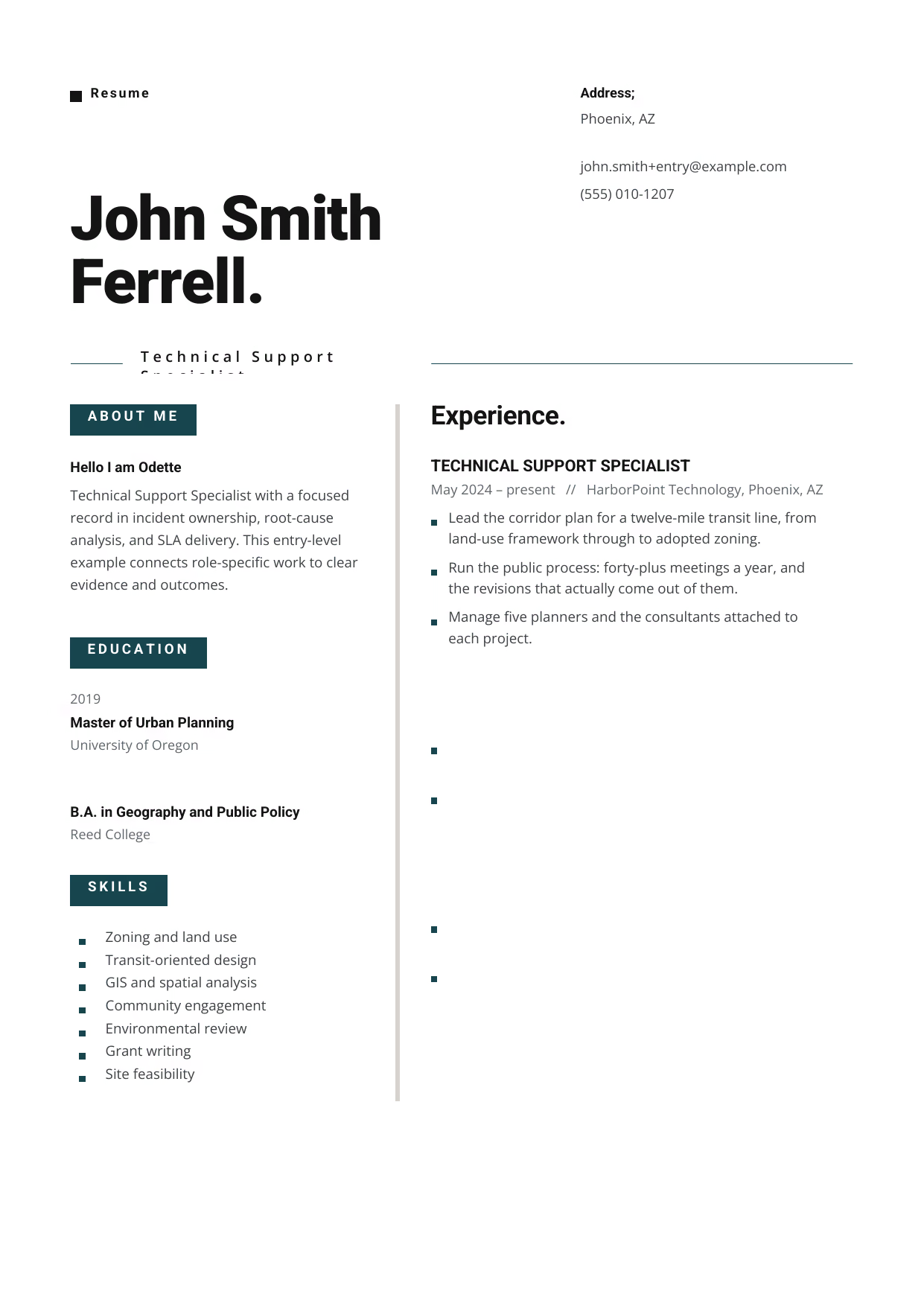
Technical Support Specialist
A builder-ready entry-level Technical Support example in the Indus template, showing stage-appropriate evidence in a focused, editable resume format.
- Editable role positioning in the Indus layout
- Role-specific evidence and delivery context
- Review the Indus structure with a clean visual hierarchy
View this resume

Technical Support Specialist
A builder-ready entry-level Technical Support example in the Eridanus template, showing stage-appropriate evidence in a focused, editable resume format.
- Editable role positioning in the Eridanus layout
- Role-specific evidence and delivery context
- Review the Eridanus structure with a clean visual hierarchy
View this resume
Mid-Level Technical Support Resume (3-7 Years Experience)
Use these mid-level examples to compare the scope, evidence, and language expected for Technical Support roles at this stage.
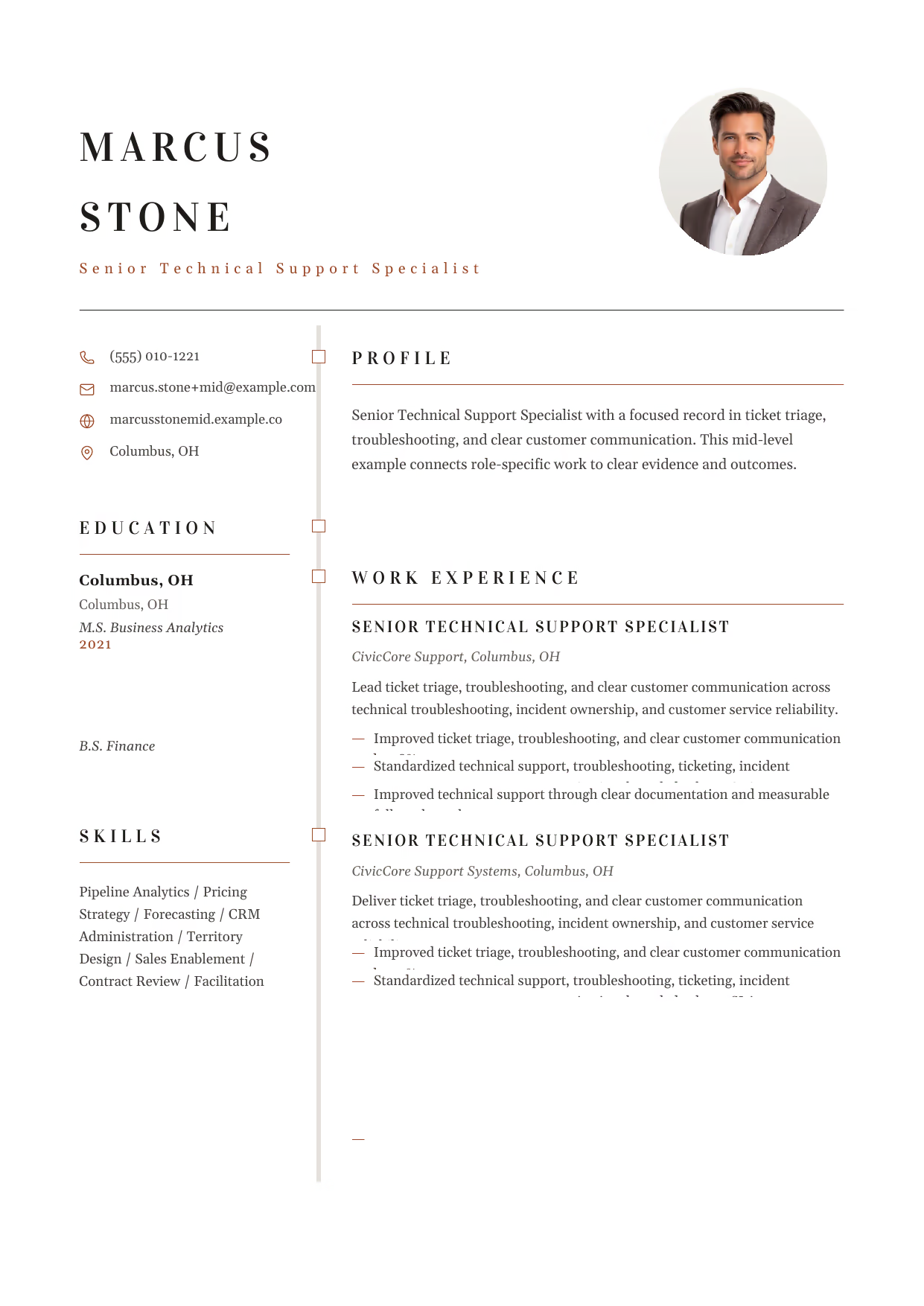
Senior Technical Support Specialist
A builder-ready mid-level Technical Support example in the Draco template, showing stage-appropriate evidence in a focused, editable resume format.
- Editable role positioning in the Draco layout
- Role-specific evidence and delivery context
- Review the Draco structure with a clean visual hierarchy
View this resume

Senior Technical Support Specialist
A builder-ready mid-level Technical Support example in the Synnove template, showing stage-appropriate evidence in a focused, editable resume format.
- Editable role positioning in the Synnove layout
- Role-specific evidence and delivery context
- Review the Synnove structure with a clean visual hierarchy
View this resume
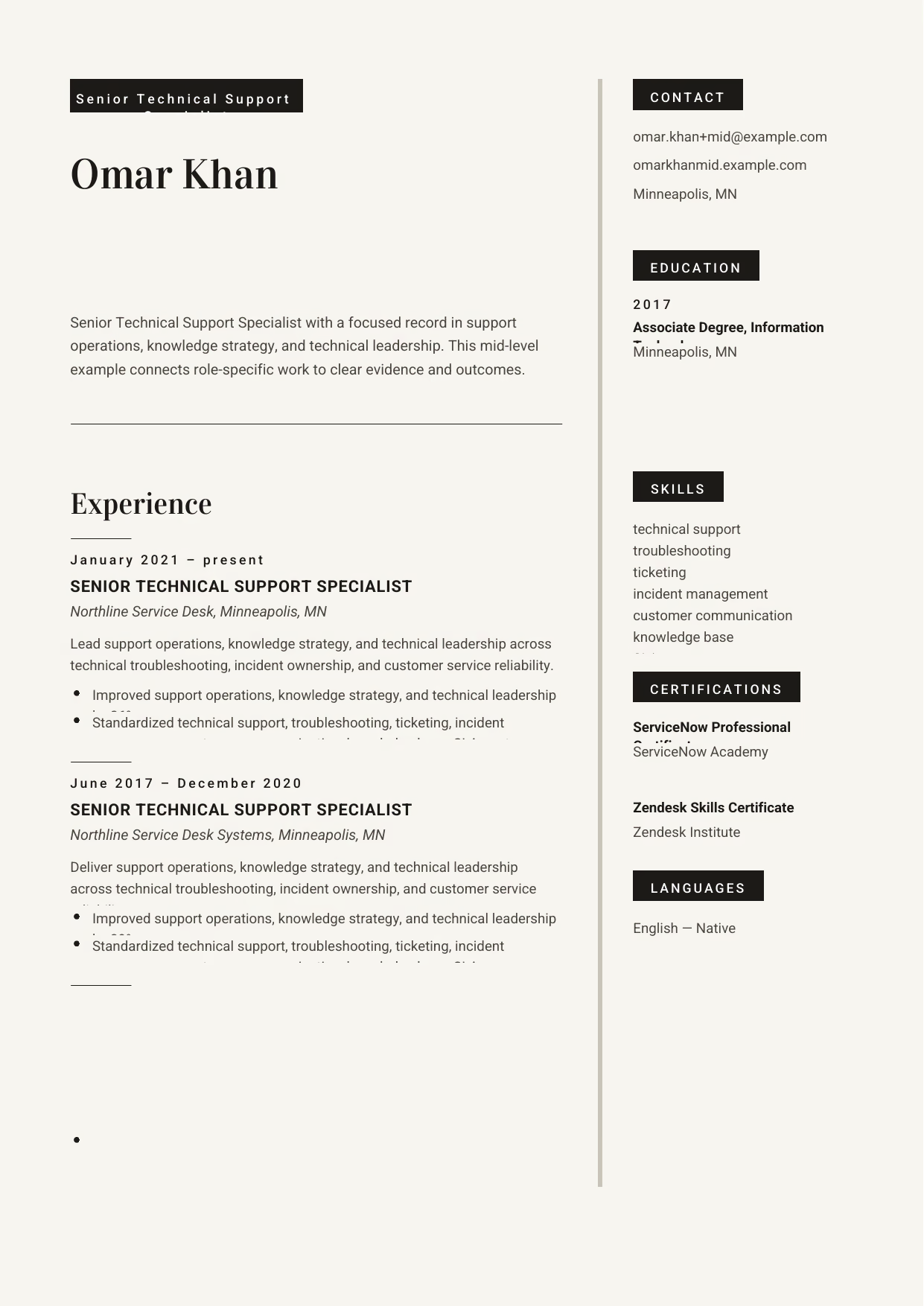
Senior Technical Support Specialist
A builder-ready mid-level Technical Support example in the Aquila template, showing stage-appropriate evidence in a focused, editable resume format.
- Editable role positioning in the Aquila layout
- Role-specific evidence and delivery context
- Review the Aquila structure with a clean visual hierarchy
View this resume
Senior Technical Support Resume (8+ Years / Management)
Use these advanced examples to compare the scope, evidence, and language expected for Technical Support roles at this stage.
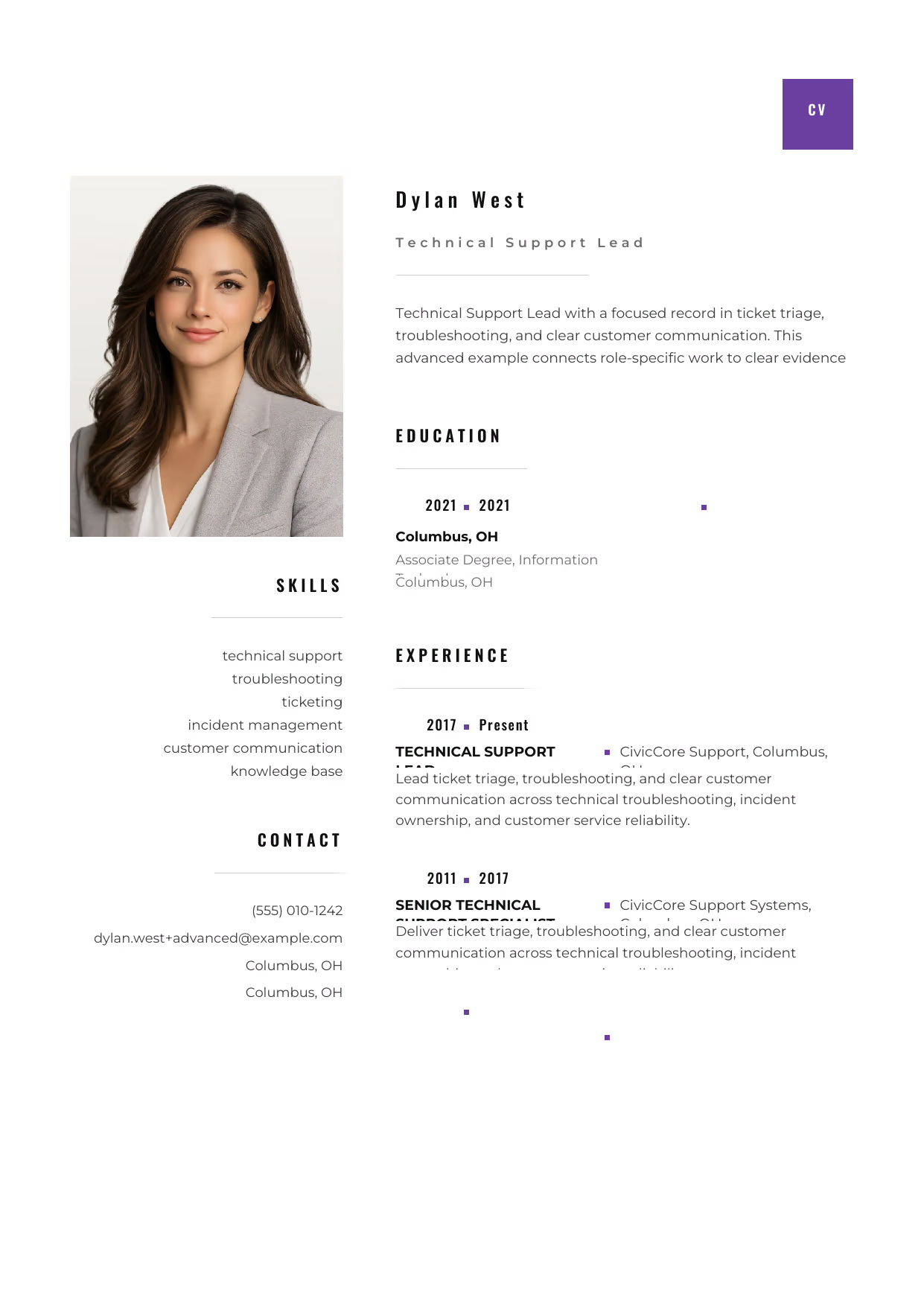
Technical Support Lead
A builder-ready advanced Technical Support example in the Pyxis template, showing stage-appropriate evidence in a focused, editable resume format.
- Editable role positioning in the Pyxis layout
- Role-specific evidence and delivery context
- Review the Pyxis structure with a clean visual hierarchy
View this resume

Technical Support Lead
A builder-ready advanced Technical Support example in the Acamar template, showing stage-appropriate evidence in a focused, editable resume format.
- Editable role positioning in the Acamar layout
- Role-specific evidence and delivery context
- Review the Acamar structure with a clean visual hierarchy
View this resume
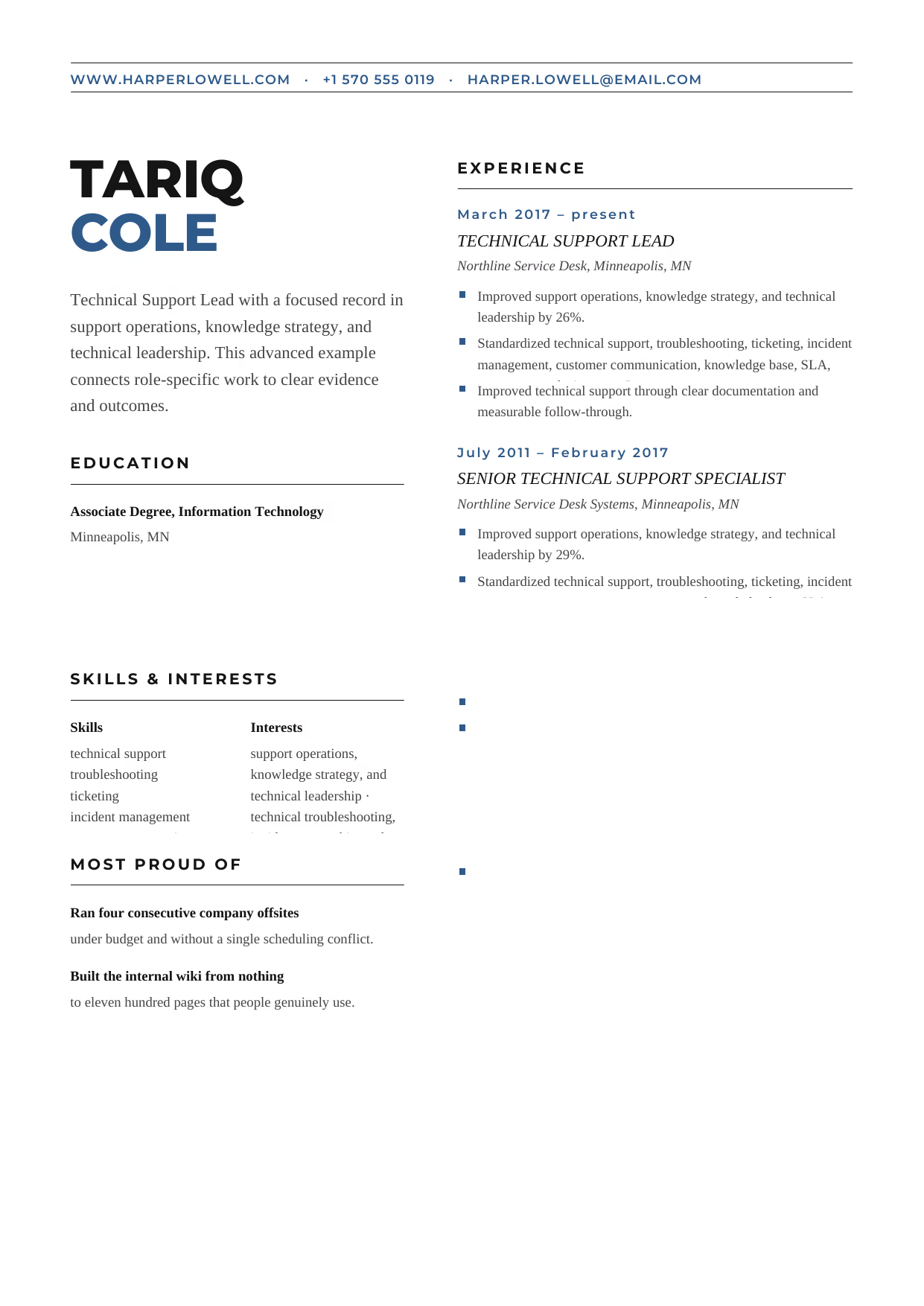
Technical Support Lead
A builder-ready advanced Technical Support example in the Bootes template, showing stage-appropriate evidence in a focused, editable resume format.
- Editable role positioning in the Bootes layout
- Role-specific evidence and delivery context
- Review the Bootes structure with a clean visual hierarchy
View this resume
How to Write a Technical Support Resume
The Resume Summary
The resume summary (or objective for entry-level candidates) is your first impression. Tailor it to the specific role.
Formula: Technical Support Professional + Years of Experience + Key Skills + Top Achievement + Goal
Entry-Level Example:
Enthusiastic and technically adept recent graduate with a Bachelor’s degree in Information Technology seeking an entry-level Technical Support position. Eager to apply strong problem-solving and communication skills to assist users and resolve technical issues efficiently.
Mid-Level Example:
Highly motivated and experienced Technical Support professional with 5+ years of experience providing exceptional technical assistance and resolving complex IT issues. Proven ability to reduce ticket resolution times, improve customer satisfaction, and contribute to knowledge base documentation.
Senior-Level Example:
Results-oriented and highly experienced Senior Technical Support Manager with 10+ years of experience leading and managing technical support teams. Proven ability to implement process improvements, reduce ticket resolution times, and improve customer satisfaction. Expertise in managing budgets, mentoring staff, and ensuring high levels of service quality.
Work Experience & Action Verbs
Focus on achievements, not just duties. What impact did you make?
- Before: Provided technical support to end-users.
After: Provided technical support to over 100 end-users, resolving 90% of issues on the first call. - Before: Assisted with network troubleshooting.
After: Assisted with network troubleshooting, identifying and resolving critical network outages that impacted 500+ users. - Before: Managed support tickets.
After: Managed an average of 50 support tickets daily, prioritizing and resolving issues efficiently to maintain a 95% customer satisfaction rating. - Before: Created documentation.
After: Created and maintained knowledge base articles, reducing repetitive inquiries by 20% and improving self-service support. - Before: Worked with various operating systems.
After: Provided technical support for Windows, macOS, and Linux operating systems, ensuring compatibility and resolving OS-related issues for a diverse user base.
Top Skills for Technical Supports
Here are some essential skills to highlight on your Technical Support resume:
Hard Skills:
- Operating Systems (Windows, macOS, Linux)
- Networking (TCP/IP, DNS, DHCP, VPN)
- Troubleshooting (Hardware, Software, Network Issues)
- System Administration
- Cloud Computing (AWS, Azure, Google Cloud Platform)
- Database Management
- Cybersecurity
Soft Skills:
- Communication
- Problem-Solving
- Customer Service
- Active Listening
- Empathy
- Patience
- Time Management
- Teamwork
Tools/Software:
- Jira
- Zendesk
- ServiceNow
- Microsoft Office Suite
- Help Desk Ticketing Systems
- Remote Desktop Software
Education & Certifications
For entry-level candidates, list your GPA and relevant coursework. For mid-level and senior candidates, focus on certifications and advanced degrees.
Recommended Certifications:
- CompTIA A+
- CompTIA Network+
- CompTIA Security+
- ITIL Foundation
- Microsoft Certified Professional (MCP)
- Cisco Certified Network Associate (CCNA)
10 Common Technical Support Resume Mistakes
- Generic Summary Statements: Using a vague, non-specific summary fails to capture the recruiter’s attention. Instead, tailor your summary to the specific Technical Support role, highlighting relevant skills and quantifiable achievements to immediately showcase your value.
- Listing Duties Instead of Impact: Recruiters know what a Technical Support does; they want to know how well you did it. Replace passive phrases like ‘Responsible for technical support’ with quantified wins like ‘Reduced average ticket resolution time by 22% YOY’.
- Ignoring ATS Keywords: Failing to include relevant keywords can cause your resume to be overlooked by Applicant Tracking Systems. Research the specific keywords used in Technical Support job descriptions and incorporate them naturally throughout your resume.
- Poorly Formatted Skills Section: A disorganized or incomplete skills section makes it difficult for recruiters to quickly assess your qualifications. Use clear, concise bullet points to list both hard and soft skills, including specific software and tools relevant to the Technical Support role.
- Neglecting to Quantify Achievements: Without quantifiable metrics, your accomplishments lack credibility. Use numbers and percentages to demonstrate the impact of your work, such as ‘Improved customer satisfaction ratings by 15%’ or ‘Resolved an average of 40 tickets daily’.
- Grammar and Spelling Errors: Typos in general are bad, but misspelling critical tools or certifications (like ‘Linux’, ‘TCP/IP’ or ‘CCNA’) acts as an immediate red flag regarding your attention to detail. Proofread carefully!
- Irrelevant Information: Including unrelated experience or skills can distract from your core qualifications. Focus on highlighting experience and skills that are directly relevant to the Technical Support position you’re applying for.
- Inconsistent Formatting: A poorly formatted resume appears unprofessional and can be difficult to read. Use consistent fonts, spacing, and bullet points throughout your resume to create a visually appealing and organized document.
- Omitting Certifications: Failing to list relevant certifications can cause you to be overlooked by hiring managers. Include all relevant certifications, such as CompTIA A+, Network+, or ITIL, to demonstrate your expertise and commitment to professional development.
- Not Tailoring to the Job Description: Sending a generic resume for every application is a common mistake. Customize your resume to match the specific requirements and keywords outlined in the job description to increase your chances of getting an interview.
Frequently Asked Questions (Technical Support)
- What should a Technical Support resume emphasize first? Lead with the scope of ticket triage, troubleshooting, and clear customer communication, then connect your contribution to a clear outcome, tool, or decision.
- Which skills deserve priority on a Technical Support resume? Prioritize technical support, troubleshooting, and ticketing when they match the role and can be supported by evidence.
- How can a Technical Support show project scope and impact? Name the environment, scale, constraints, and result; incident management, root cause analysis, and SLA delivery becomes more credible when the context is concrete.
- How should a Technical Support describe tools and technical decisions? Describe why you selected a method, how you implemented it, and what changed afterward in the Technical Support role.
- Which achievements matter most for a Technical Support application? Use outcome-led bullets that show support operations, knowledge base strategy, and technical leadership through delivery quality, measurable scope, or stakeholder value.
- How long should a Technical Support resume be? Use the shortest length that proves fit; a focused page can work early-career, while broader Technical Support scope may need more room.
- How can a Technical Support explain progression between career stages? Group examples by increasing ownership, moving from ticket triage, troubleshooting, and clear customer communication toward support operations, knowledge base strategy, and technical leadership as responsibility grows.
- Which keywords should a Technical Support include for screening systems? Mirror truthful language from the posting, especially incident management, without stuffing unrelated terms.
- How should a Technical Support present reliability, quality, or safety work? Show how you protected outcomes through customer communication and explain the evidence a hiring team can verify.
- What format makes a Technical Support resume easy for hiring teams to scan? Use clear headings, readable bullets, and consistent dates so a hiring manager can evaluate Technical Support fit quickly.
A well-crafted Technical Support resume is your ticket to landing interviews and advancing your career. By following the examples and tips outlined in this guide, you can create a resume that showcases your skills, achievements, and value to potential employers.
Ready to take the next step? Search more Technical Support resources on our site and discover even more ways to impress recruiters and land your dream job!
Editorial review: RockStarCV Editorial Team reviewed this Technical Support guide for source fidelity, role-specific usefulness, accessibility, builder examples, and question completeness.