Designer Resume Examples & Guide
Landing a Designer job in today’s market is tough. Applicant Tracking Systems (ATS) filter out countless resumes, and you face fierce competition. This guide provides Designer resume examples for every experience level, from students to seasoned professionals, giving you the edge you need.
- Quantify Achievements: Use numbers to showcase the impact of your design work.
- Highlight Relevant Skills: Emphasize design software proficiency, navigation skills, and other job-specific abilities.
- Tailor to Job Description: Customize your resume to match the specific requirements of each position.
- Optimize for ATS: Use keywords from the job description to ensure your resume passes ATS scans.
- Use Action Verbs: Start your bullet points with strong action verbs to describe your accomplishments.
- Showcase Your Portfolio: Include a link to your online portfolio to display your design work.
- Network Strategically: Connect with other designers and recruiters in your field.
Ready to craft a winning Designer resume? Let’s explore some examples.
Explore editable Designer resume examples by career stage. Each sample opens in the RockStarCV builder so you can study the structure and make your own version.
Entry-Level Designer Resume (0-2 Years Experience)
Use these entry-level examples to compare the scope, evidence, and language expected for Designer roles at this stage.
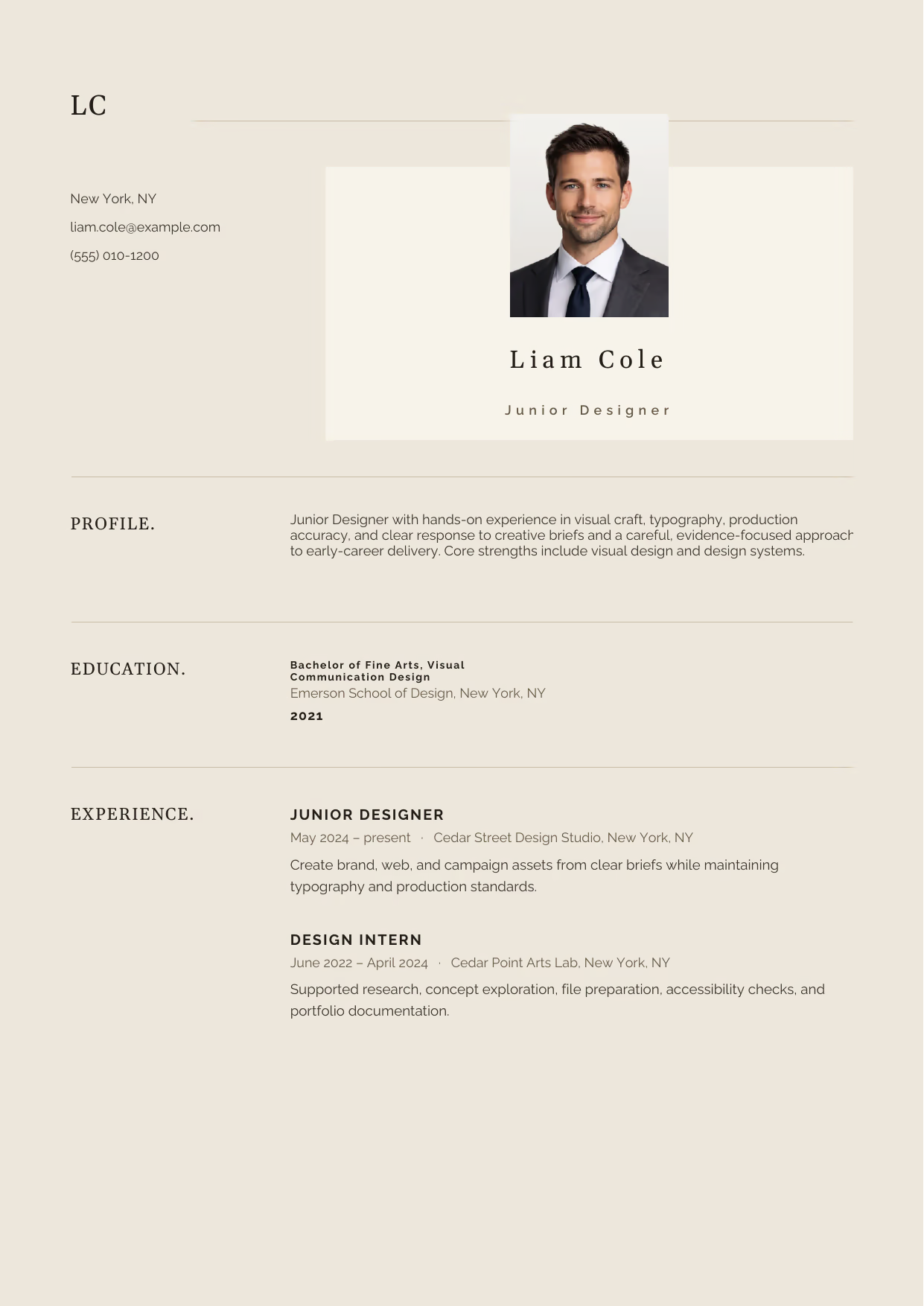
Junior Designer
A builder-ready entry-level Designer example in the Norma template, showing stage-appropriate evidence in a focused, editable resume format.
- Editable role positioning in the Norma layout
- Role-specific evidence and delivery context
- Review the Norma structure with a clean visual hierarchy
View this resume
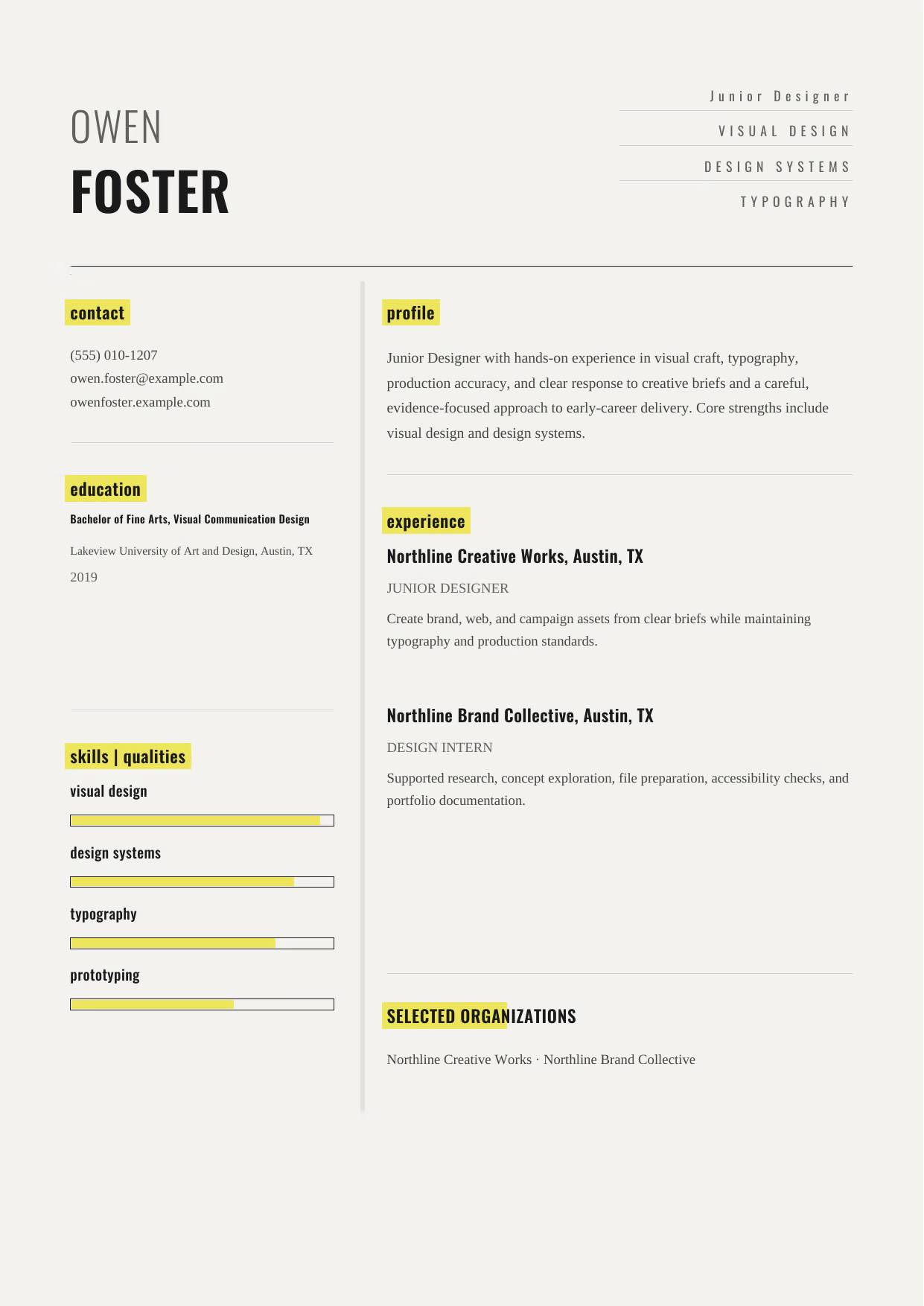
Junior Designer
A builder-ready entry-level Designer example in the Dorado template, showing stage-appropriate evidence in a focused, editable resume format.
- Editable role positioning in the Dorado layout
- Role-specific evidence and delivery context
- Review the Dorado structure with a clean visual hierarchy
View this resume
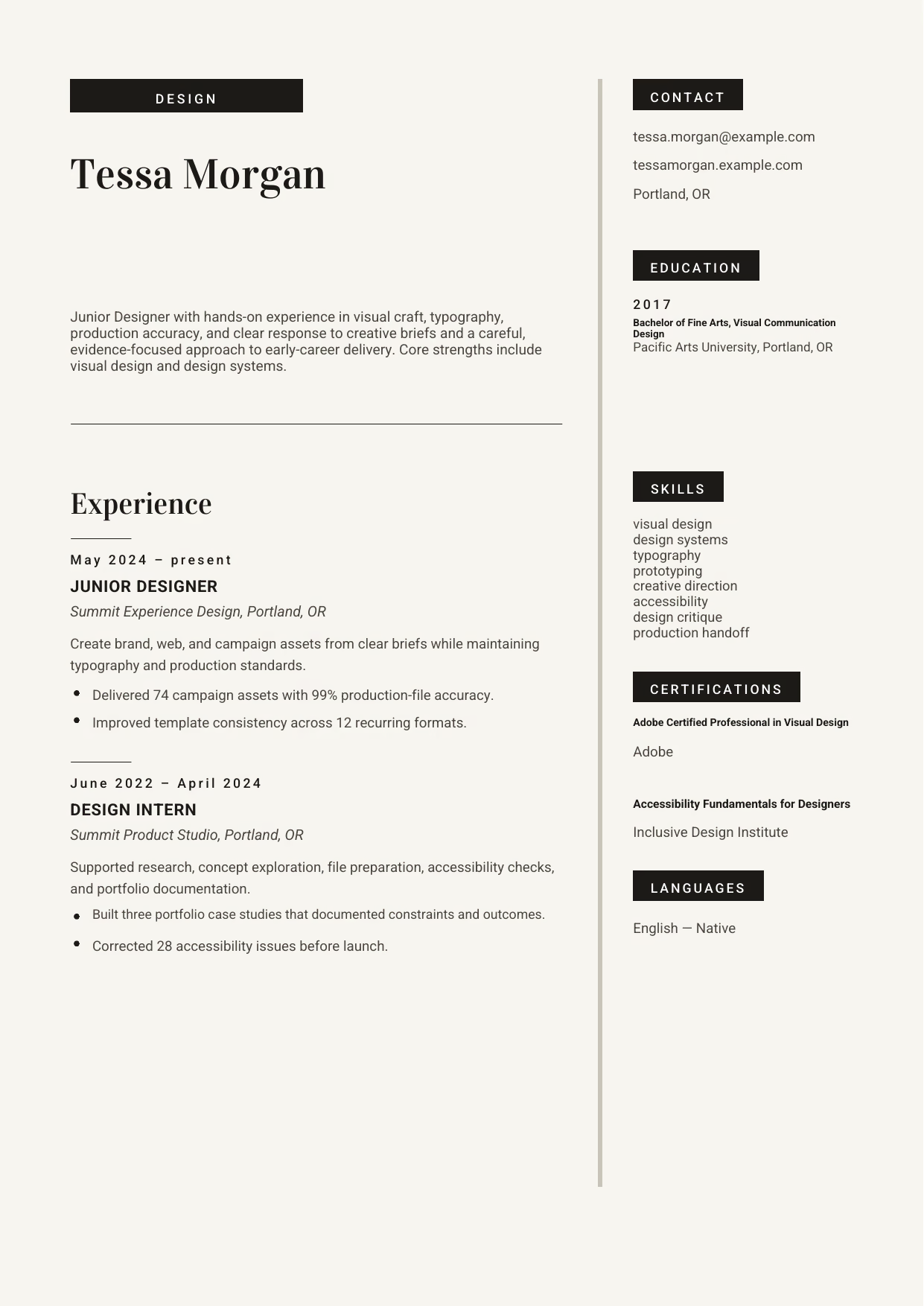
Junior Designer
A builder-ready entry-level Designer example in the Aquila template, showing stage-appropriate evidence in a focused, editable resume format.
- Editable role positioning in the Aquila layout
- Role-specific evidence and delivery context
- Review the Aquila structure with a clean visual hierarchy
View this resume
Mid-Level Designer Resume (3-7 Years Experience)
Use these mid-level examples to compare the scope, evidence, and language expected for Designer roles at this stage.
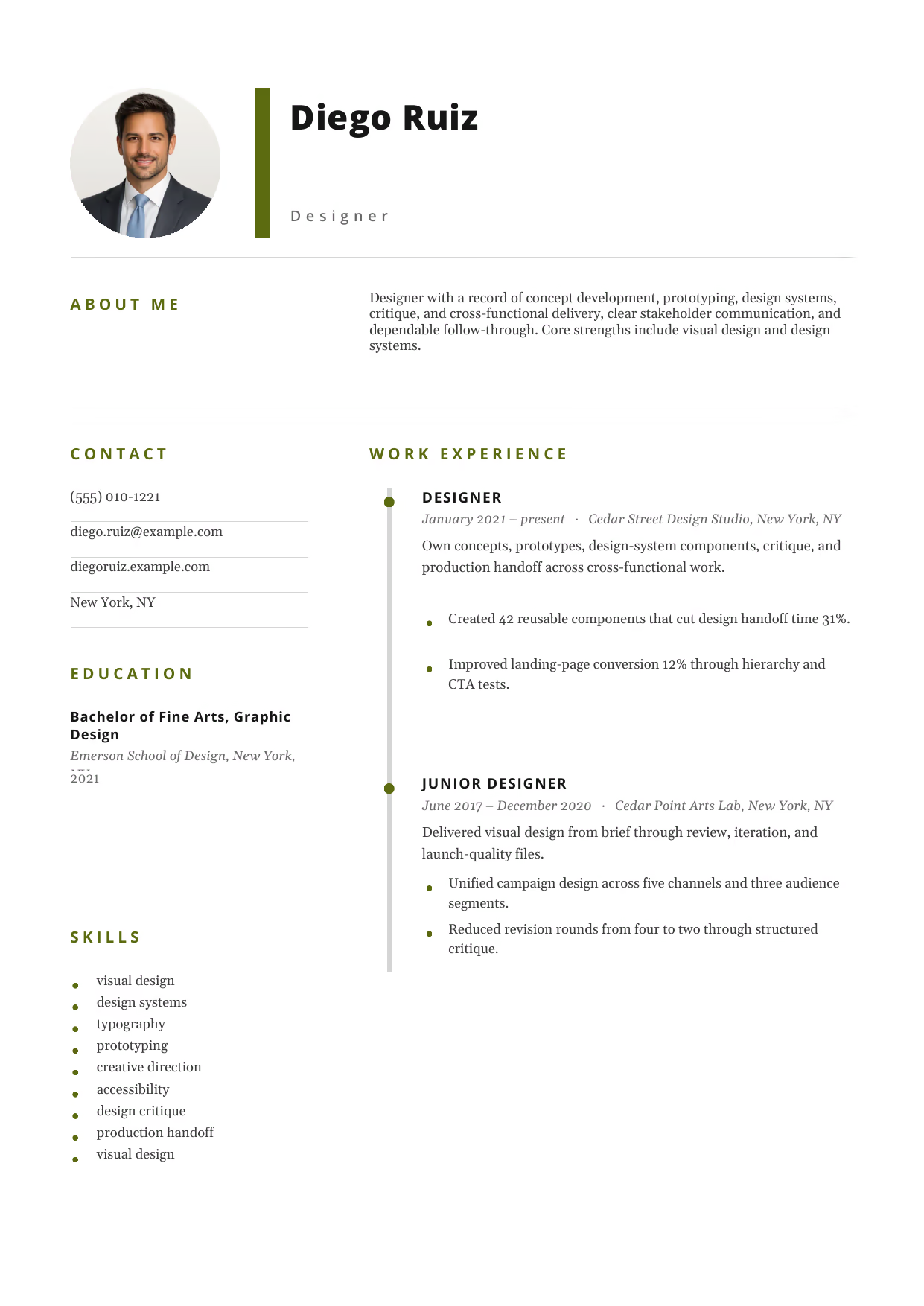
Designer
A builder-ready mid-level Designer example in the Pegasus template, showing stage-appropriate evidence in a focused, editable resume format.
- Editable role positioning in the Pegasus layout
- Role-specific evidence and delivery context
- Review the Pegasus structure with a clean visual hierarchy
View this resume
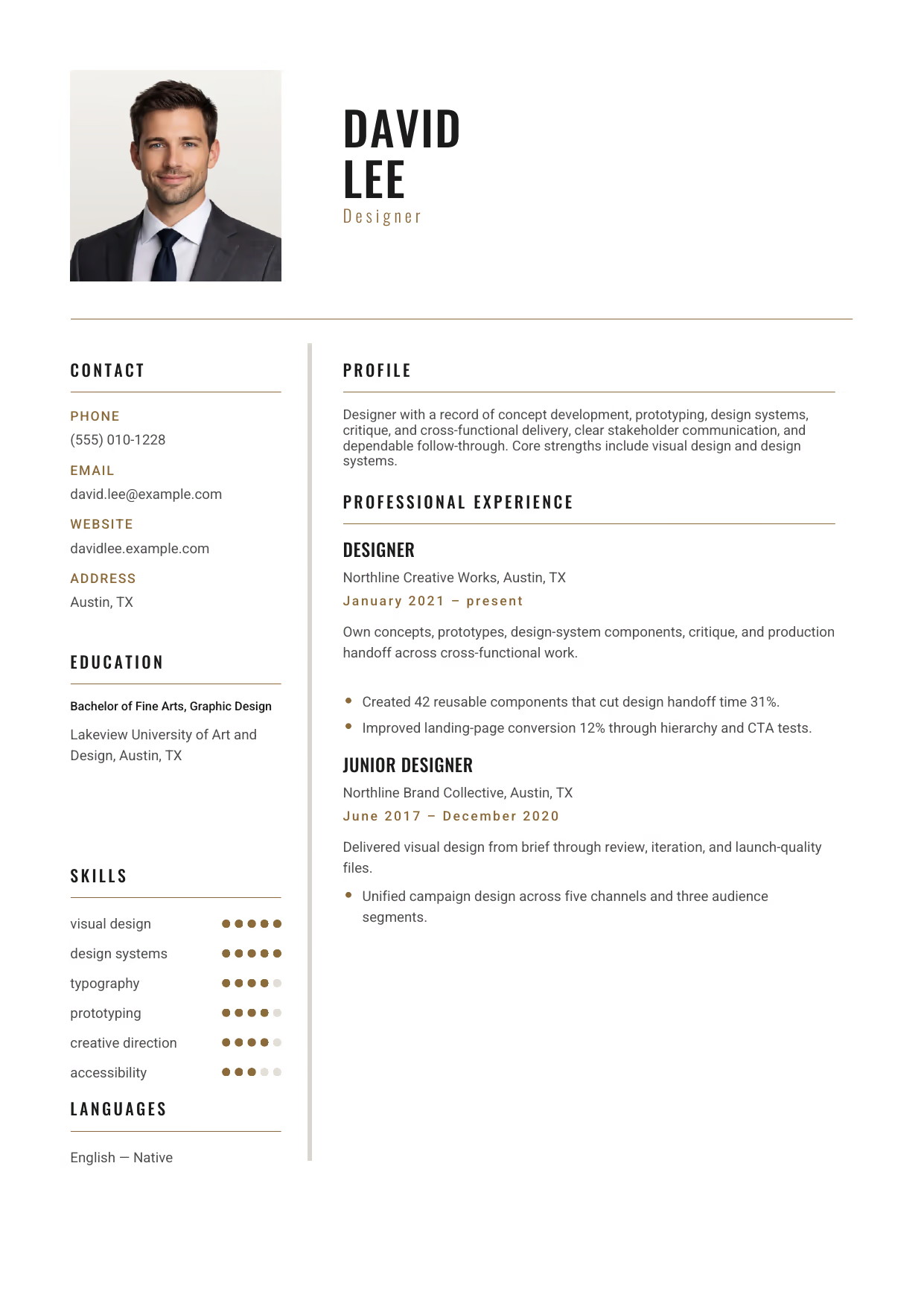
Designer
A builder-ready mid-level Designer example in the Acamar template, showing stage-appropriate evidence in a focused, editable resume format.
- Editable role positioning in the Acamar layout
- Role-specific evidence and delivery context
- Review the Acamar structure with a clean visual hierarchy
View this resume
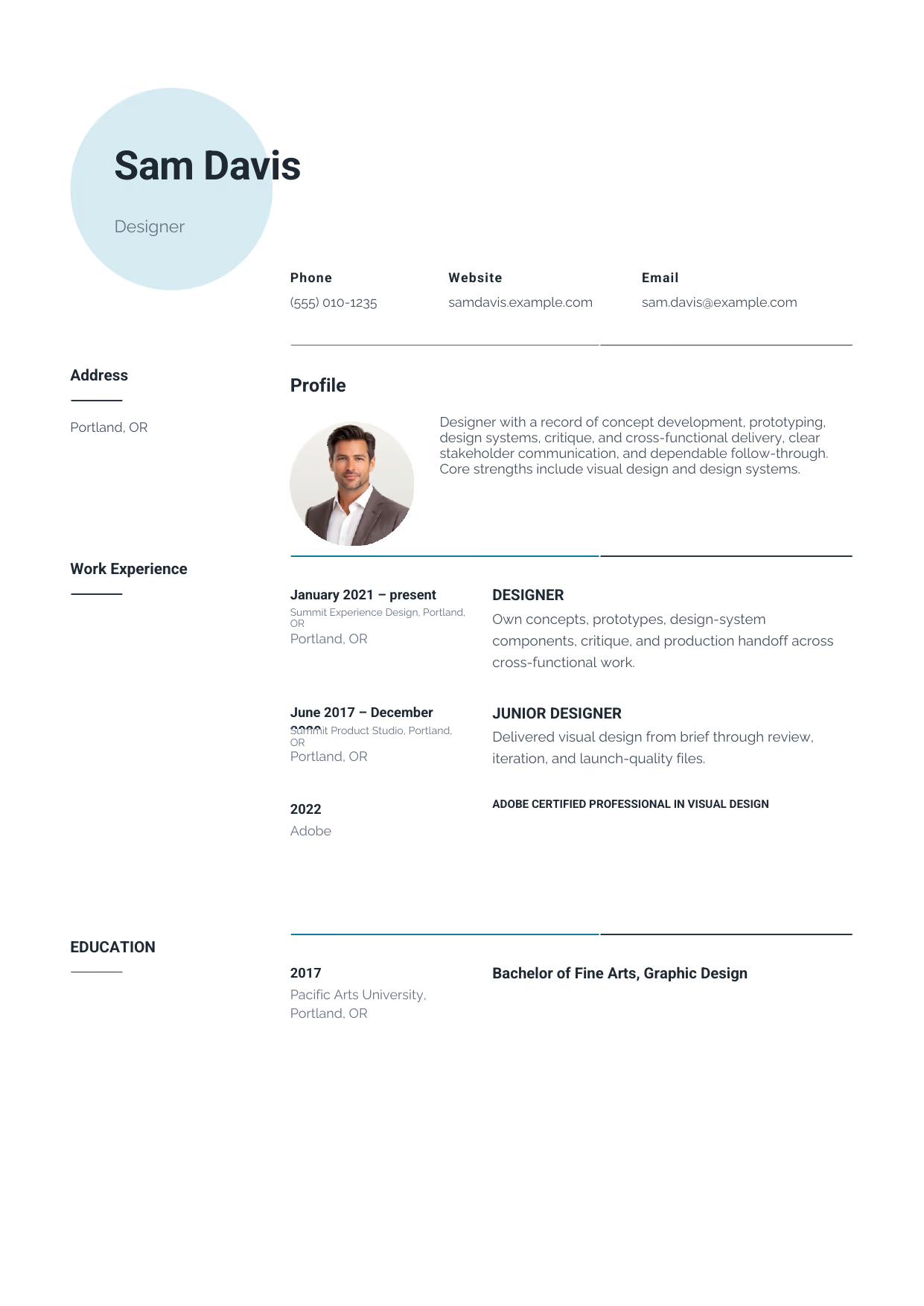
Designer
A builder-ready mid-level Designer example in the Pavo template, showing stage-appropriate evidence in a focused, editable resume format.
- Editable role positioning in the Pavo layout
- Role-specific evidence and delivery context
- Review the Pavo structure with a clean visual hierarchy
View this resume
Senior Designer Resume (8+ Years / Management)
Use these advanced examples to compare the scope, evidence, and language expected for Designer roles at this stage.
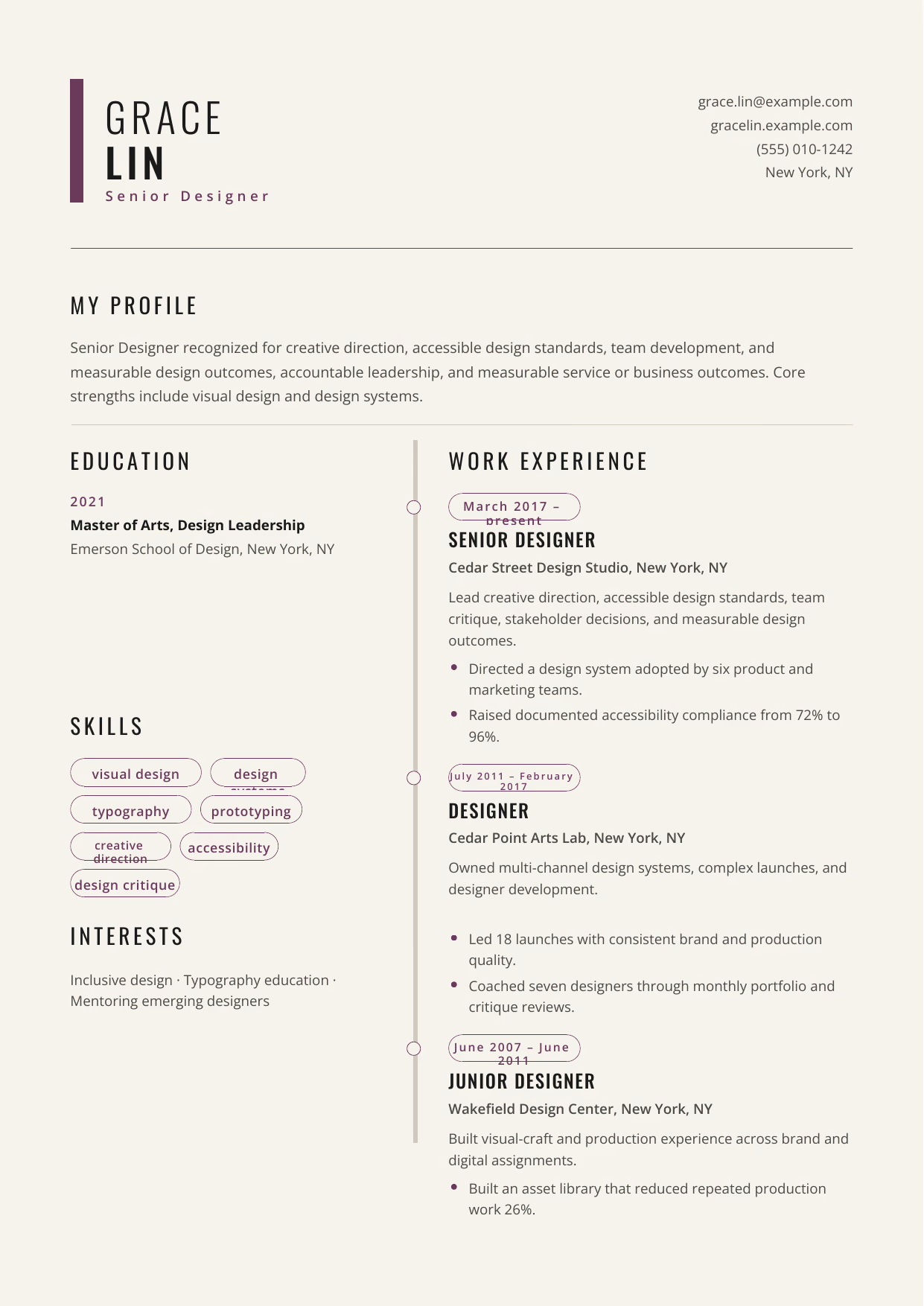
Senior Designer
A builder-ready advanced Designer example in the Caelum template, showing stage-appropriate evidence in a focused, editable resume format.
- Editable role positioning in the Caelum layout
- Role-specific evidence and delivery context
- Review the Caelum structure with a clean visual hierarchy
View this resume
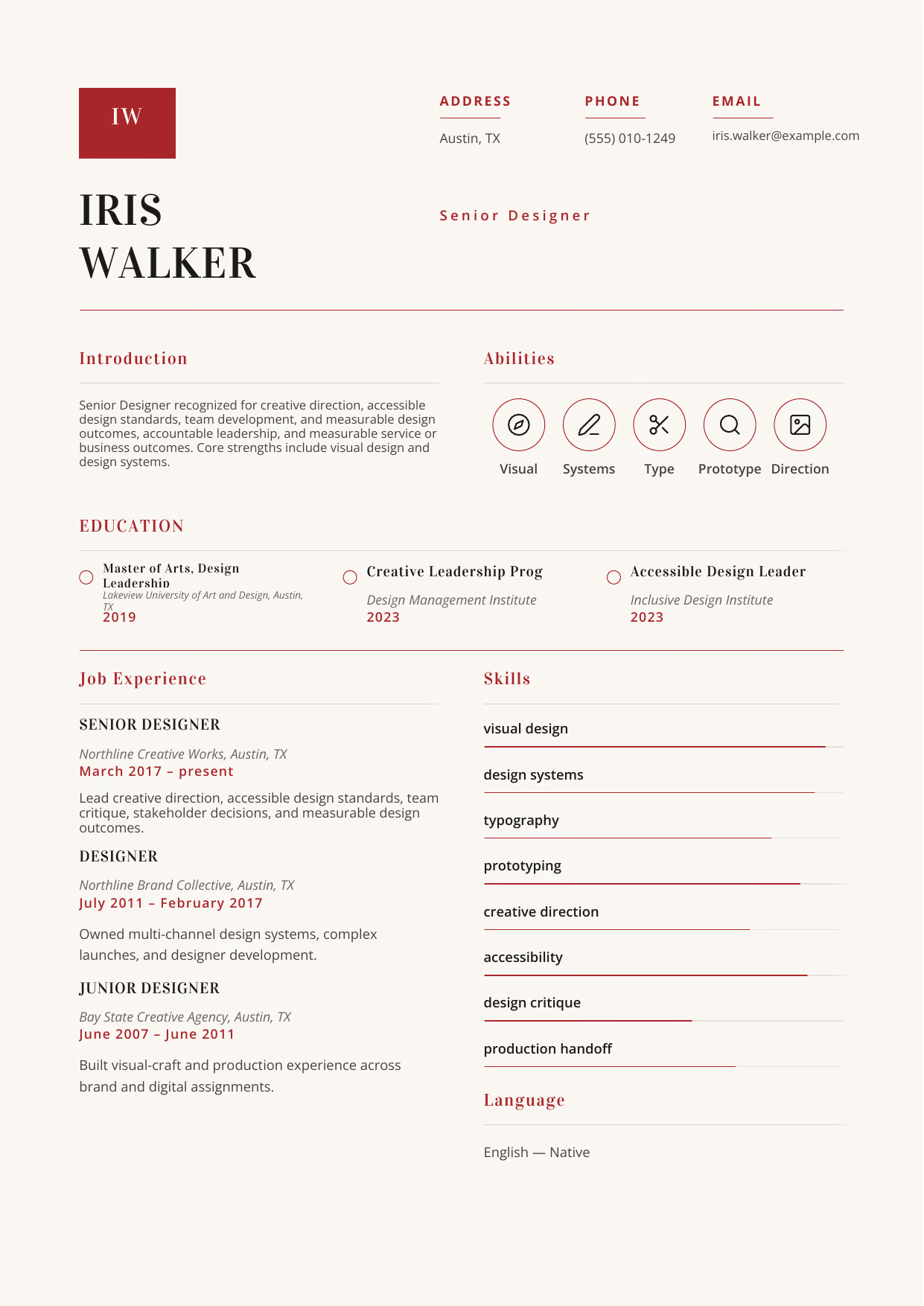
Senior Designer
A builder-ready advanced Designer example in the Delphinus template, showing stage-appropriate evidence in a focused, editable resume format.
- Editable role positioning in the Delphinus layout
- Role-specific evidence and delivery context
- Review the Delphinus structure with a clean visual hierarchy
View this resume
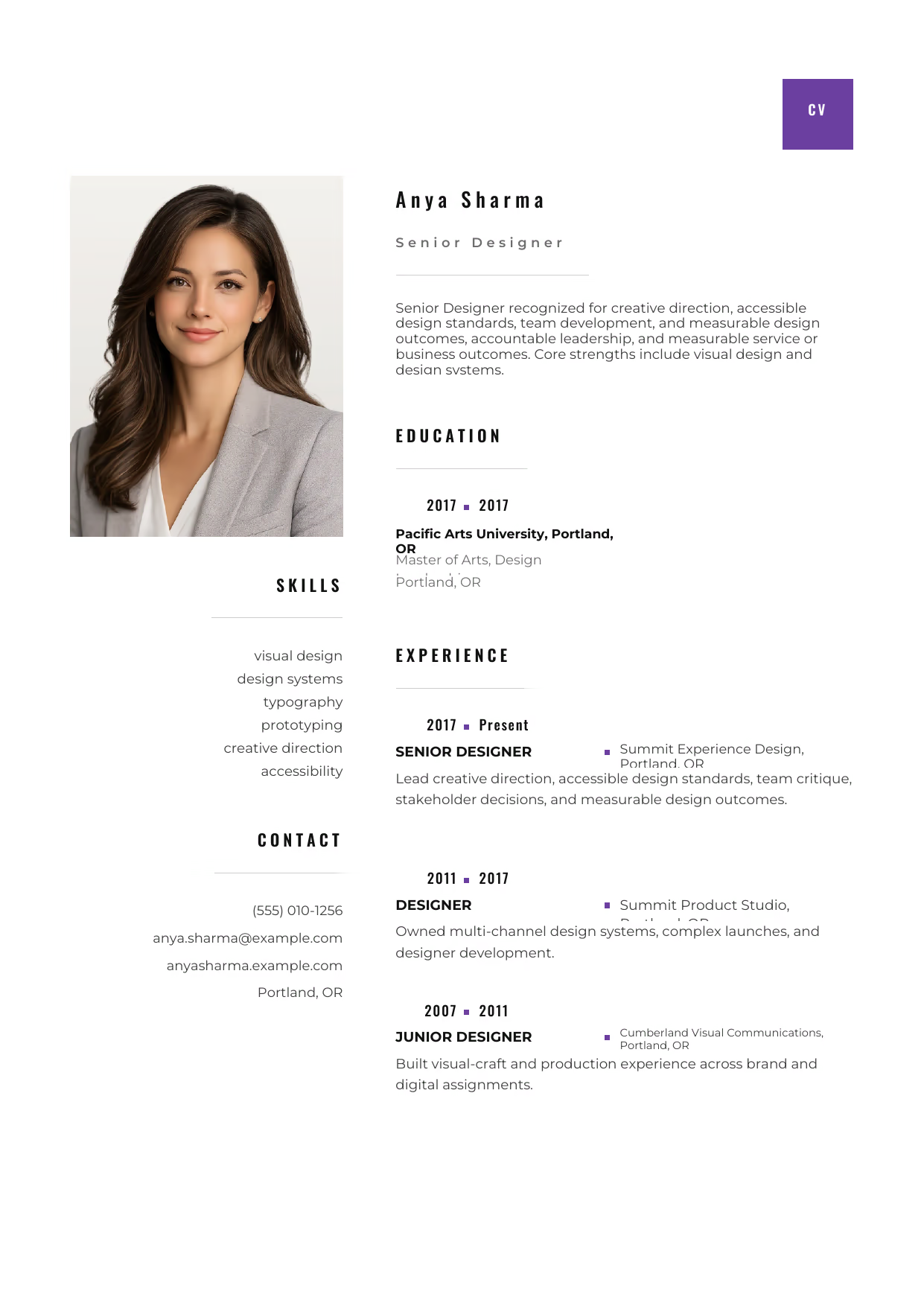
Senior Designer
A builder-ready advanced Designer example in the Pyxis template, showing stage-appropriate evidence in a focused, editable resume format.
- Editable role positioning in the Pyxis layout
- Role-specific evidence and delivery context
- Review the Pyxis structure with a clean visual hierarchy
View this resume
Designer Resume Examples by Specialty
Choose the design discipline closest to the work you want. Each specialty guide shows the portfolio evidence, tools, collaboration, and outcomes hiring teams expect in that field.
Graphic Designer Resume Examples
- Resume focus:
- brand identity, campaign assets, editorial layout, and production-ready files;
- Credentials:
- portfolio, relevant design education, and Adobe credentials when current;
- Evidence to include:
- creative brief, design rationale, delivery volume, brand consistency, and campaign results;
UI Designer Resume Examples
- Resume focus:
- interface hierarchy, responsive components, prototypes, and accessibility;
- Credentials:
- UI portfolio, design-system work, and relevant accessibility training;
- Evidence to include:
- component reuse, usability findings, accessibility improvements, and engineering handoff;
Product Designer Resume Examples
- Resume focus:
- discovery, interaction design, prototyping, and shipped product outcomes;
- Credentials:
- case-study portfolio and product or UX education relevant to the role;
- Evidence to include:
- customer insight, design decisions, experiment results, adoption, and cross-functional delivery;
Web Designer Resume Examples
- Resume focus:
- responsive web layouts, conversion paths, content hierarchy, and production collaboration;
- Credentials:
- web portfolio plus relevant visual, UX, accessibility, or front-end training;
- Evidence to include:
- site scope, mobile behavior, accessibility, conversion, performance, and launch ownership;
Interior Designer Resume Examples
- Resume focus:
- space planning, materials, documentation, client presentation, and project coordination;
- Credentials:
- interior-design education and applicable jurisdiction-specific credentials;
- Evidence to include:
- project type, square footage, budget, documentation, approvals, and installation outcome;
Motion Graphics Designer Resume Examples
- Resume focus:
- storyboards, animation systems, compositing, sound coordination, and delivery formats;
- Credentials:
- motion reel, design portfolio, and current animation-tool training where relevant;
- Evidence to include:
- asset volume, channel formats, production workflow, audience result, and delivery speed;
Designer Education, Credentials, and Portfolio Signals
Lead with a relevant portfolio and case studies. Add formal education or current platform credentials when they strengthen the target role, and never imply a certification you have not earned.
Portfolio and education
- Curated portfolio tailored to the target discipline;
- Case studies that explain constraints, decisions, and outcomes;
- Relevant degree, diploma, apprenticeship, or continuing education;
Optional professional credentials
- Adobe Certified Professional when current and relevant;
- Accessibility, UX research, or design-system training tied to demonstrated work;
- Tool credentials only when the job posting values that platform;
Designer Skills and ATS Keywords by Category
Match the language of the target design discipline and support important terms with a project, design decision, or measurable outcome rather than an unsupported keyword list.
Skills by category
Visual craft
- Typography and hierarchy;
- Color and composition;
- Art direction and brand consistency;
- Production-ready asset preparation;
Experience and interaction
- Wireframing and prototyping;
- Responsive and accessible design;
- Design systems and component thinking;
- Usability-informed iteration;
Delivery and collaboration
- Creative briefs and stakeholder critique;
- Engineering or production handoff;
- File governance and quality review;
- Project scoping and deadline management;
ATS keywords by category
Design tools
- Figma;
- Adobe Creative Cloud;
- Sketch;
- Prototyping;
Outcome language
- Accessibility;
- Conversion;
- Usability;
- Engagement;
- Brand consistency;
- Design-system adoption;
How to Write a Designer Resume
The Resume Summary
The resume summary is your chance to make a strong first impression. It should be a concise overview of your skills, experience, and career goals.
Formula: [Years of Experience] + [Job Title] + [Key Skills] + [Career Goal]
Entry-Level Example: Recent Graphic Design graduate with strong skills in Adobe Creative Suite and a passion for user-centered design seeking an entry-level Designer position.
Mid-Level Example: Results-driven Designer with 5+ years of experience creating engaging and user-friendly designs seeking a challenging role where I can leverage my skills to create impactful designs.
Senior Example: Highly accomplished Senior Designer with 10+ years of experience leading design teams and driving strategic design initiatives.
Work Experience & Action Verbs
Focus on achievements rather than just listing duties. Use strong action verbs to describe your accomplishments and quantify your impact whenever possible.
Duties vs. Achievements: Instead of saying “Responsible for designing websites,” say “Designed and developed 10+ responsive websites, resulting in a 15% increase in user engagement.”
- Before: Responsible for creating marketing materials.
After: Designed and developed marketing materials that increased lead generation by 20%. - Before: Assisted with website redesign.
After: Collaborated on a website redesign that improved user experience and reduced bounce rate by 10%. - Before: Managed social media accounts.
After: Managed social media accounts, increasing followers by 30% and engagement by 25%. - Before: Created presentations for clients.
After: Developed and delivered compelling presentations that resulted in a 10% increase in sales conversions. - Before: Supported the design team.
After: Provided support to the design team, contributing to the successful completion of 5+ projects per quarter.
Top Skills for Designers
Here are some of the top skills to include on your Designer resume:
Hard Skills
- UI/UX Design
- Graphic Design
- Web Design
- Branding
- Typography
- Color Theory
- Information Architecture
Soft Skills
- Creativity
- Communication
- Collaboration
- Problem-Solving
- Adaptability
- Time Management
- Attention to Detail
Tools/Software
- Adobe Creative Suite (Photoshop, Illustrator, InDesign, After Effects)
- Figma
- Sketch
- Adobe XD
- InVision
- Zeplin
- HTML/CSS
- JavaScript
Education & Certifications
List your education and certifications in reverse chronological order. For entry-level candidates, highlight relevant coursework and academic achievements. For experienced candidates, focus on advanced degrees and certifications.
Education Formatting: List the degree, university name, city, state, and graduation date. For entry-level candidates, include GPA and relevant coursework. For experienced candidates, you can omit GPA if it’s not exceptional.
Recommended Certifications:
- Certified Design Professional
- UX Certification
- Adobe Certified Expert
10 Common Designer Resume Mistakes
- Generic Summary Statement: A vague summary like “Hardworking Designer seeking a position” fails to capture attention. It lacks specifics and doesn’t highlight your unique value. Quick Fix: Tailor your summary to each job, highlighting relevant skills and experience that match the specific requirements of the role.
- Lack of Quantifiable Achievements: Simply listing duties doesn’t demonstrate your impact. Recruiters want to see how you’ve contributed to previous employers. Quick Fix: Use numbers and metrics to quantify your achievements, such as “Increased website conversion rates by 15%” or “Reduced bounce rate by 10%.”
- Ignoring ATS Optimization: Many resumes are filtered out by Applicant Tracking Systems (ATS) before a human even sees them. Failing to optimize for ATS means your resume might not even reach the hiring manager. Quick Fix: Use keywords from the job description throughout your resume, especially in the skills section. Use a simple, clean format that is easily readable by ATS.
- Typos and Grammatical Errors: Even minor errors can make you look unprofessional and careless. Recruiters often see this as a lack of attention to detail. Quick Fix: Proofread your resume carefully before submitting it. Use a grammar checker and ask a friend or colleague to review it as well.
- Poor Formatting: A cluttered or inconsistent format can make your resume difficult to read. Recruiters spend only a few seconds reviewing each resume, so it needs to be visually appealing and easy to scan. Quick Fix: Use clear headings, bullet points, and white space to organize your information. Choose a professional font and maintain consistent formatting throughout the document.
- Irrelevant Information: Including irrelevant information, such as hobbies or unrelated work experience, can distract from your qualifications. It takes up valuable space that could be used to highlight more relevant skills and achievements. Quick Fix: Focus on the skills and experience that are most relevant to the job you’re applying for. Omit anything that doesn’t directly support your candidacy.
- Lack of a Portfolio Link: As a Designer, your portfolio is a crucial part of your application. Failing to include a link to your online portfolio is a major missed opportunity. Quick Fix: Include a prominent link to your online portfolio at the top of your resume, near your contact information. Make sure your portfolio is up-to-date and showcases your best work.
- Not Tailoring to the Job Description: Sending the same generic resume to every job application is a common mistake. Recruiters can easily spot a resume that hasn’t been tailored to the specific requirements of the role. Quick Fix: Customize your resume for each job application, highlighting the skills and experience that are most relevant to the job description.
- Overusing Jargon: While it’s important to use industry-specific terminology, overusing jargon can make your resume difficult to understand. Recruiters may not be familiar with all the technical terms you’re using. Quick Fix: Use clear and concise language that is easy for anyone to understand. Avoid overly technical terms unless they are specifically mentioned in the job description.
- Ignoring White Space: Cramming too much text onto your resume can make it look overwhelming and difficult to read. White space is essential for creating a visually appealing and easy-to-scan document. Quick Fix: Use generous margins, line spacing, and bullet points to create white space and break up large blocks of text. Aim for a clean and uncluttered design.
Frequently Asked Questions (Designer)
- What should a Designer resume emphasize first? Lead with the scope of visual craft, typography, production accuracy, and clear response to creative briefs, then connect your contribution to a clear outcome, tool, or decision.
- Which skills deserve priority on a Designer resume? Prioritize visual design, design systems, and typography when they match the role and can be supported by evidence.
- How can a Designer show project scope and impact? Name the environment, scale, constraints, and result; concept development, prototyping, design systems, critique, and cross-functional delivery becomes more credible when the context is concrete.
- How should a Designer describe tools and technical decisions? Describe why you selected a method, how you implemented it, and what changed afterward in the Designer role.
- Which achievements matter most for a Designer application? Use outcome-led bullets that show creative direction, accessible design standards, team development, and measurable design outcomes through delivery quality, measurable scope, or stakeholder value.
- How long should a Designer resume be? Use the shortest length that proves fit; a focused page can work early-career, while broader Designer scope may need more room.
- How can a Designer explain progression between career stages? Group examples by increasing ownership, moving from visual craft, typography, production accuracy, and clear response to creative briefs toward creative direction, accessible design standards, team development, and measurable design outcomes as responsibility grows.
- Which keywords should a Designer include for screening systems? Mirror truthful language from the posting, especially prototyping, without stuffing unrelated terms.
- How should a Designer present reliability, quality, or safety work? Show how you protected outcomes through creative direction and explain the evidence a hiring team can verify.
- What format makes a Designer resume easy for hiring teams to scan? Use clear headings, readable bullets, and consistent dates so a hiring manager can evaluate Designer fit quickly.
Crafting a compelling Designer resume requires a strategic approach. By following the tips and examples in this guide, you can create a resume that showcases your skills, experience, and potential.
Ready to take the next step in your job search? Search more Designer resources on our site.
RockStarCV Editorial Team