
CAD Manager Resume Examples
Cad Manager Resume Examples & Guide
Landing a CAD Manager position can be challenging. Applicant Tracking Systems (ATS) filter out many resumes, and you face fierce competition. This guide provides Cad Manager resume examples for entry-level, mid-level, and senior professionals, helping you craft a compelling application regardless of your experience.
- Quantify Achievements: Use numbers to showcase the impact of your work.
- Highlight Relevant Skills: Emphasize navigation, software proficiency, and other key skills.
- Tailor to Job Description: Customize your resume to match the specific requirements of each job.
- Optimize for ATS: Use keywords and formatting that are easily read by applicant tracking systems.
- Use Action Verbs: Start your bullet points with strong action verbs to demonstrate your accomplishments.
Let’s explore some Cad Manager resume examples to inspire your own.
Explore editable CAD Manager resume examples by career stage. Each sample opens in the RockStarCV builder so you can study the structure and make your own version.
Entry-Level Cad Manager Resume (0-2 Years Experience)
Use these entry-level examples to compare the scope, evidence, and language expected for CAD Manager roles at this stage.
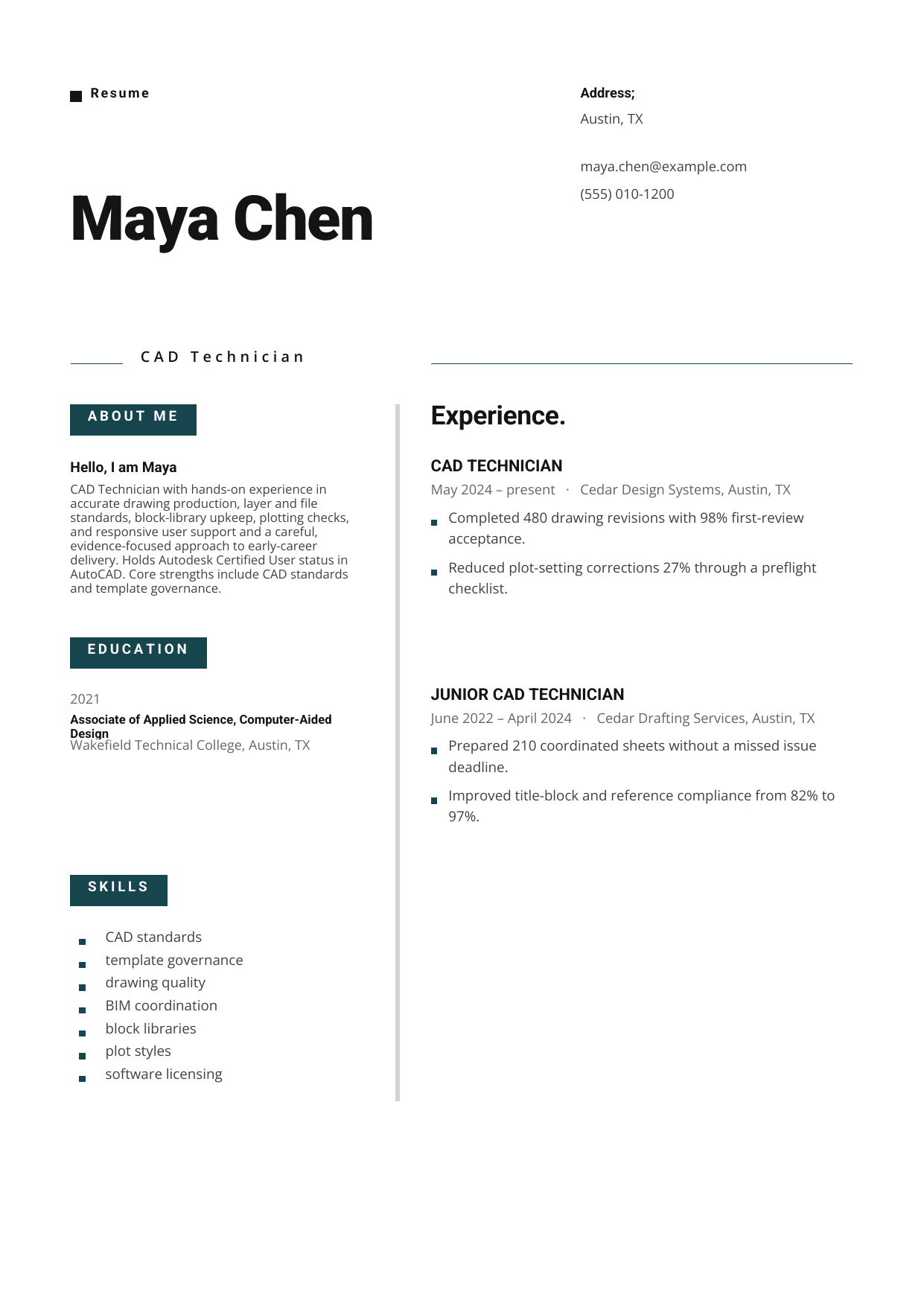
CAD Technician
A builder-ready entry-level CAD Manager example in the Indus template, showing stage-appropriate evidence in a focused, editable resume format.
- Editable role positioning in the Indus layout
- Role-specific evidence and delivery context
- Review the Indus structure with a clean visual hierarchy
View this resume

CAD Technician
A builder-ready entry-level CAD Manager example in the Draco template, showing stage-appropriate evidence in a focused, editable resume format.
- Editable role positioning in the Draco layout
- Role-specific evidence and delivery context
- Review the Draco structure with a clean visual hierarchy
View this resume
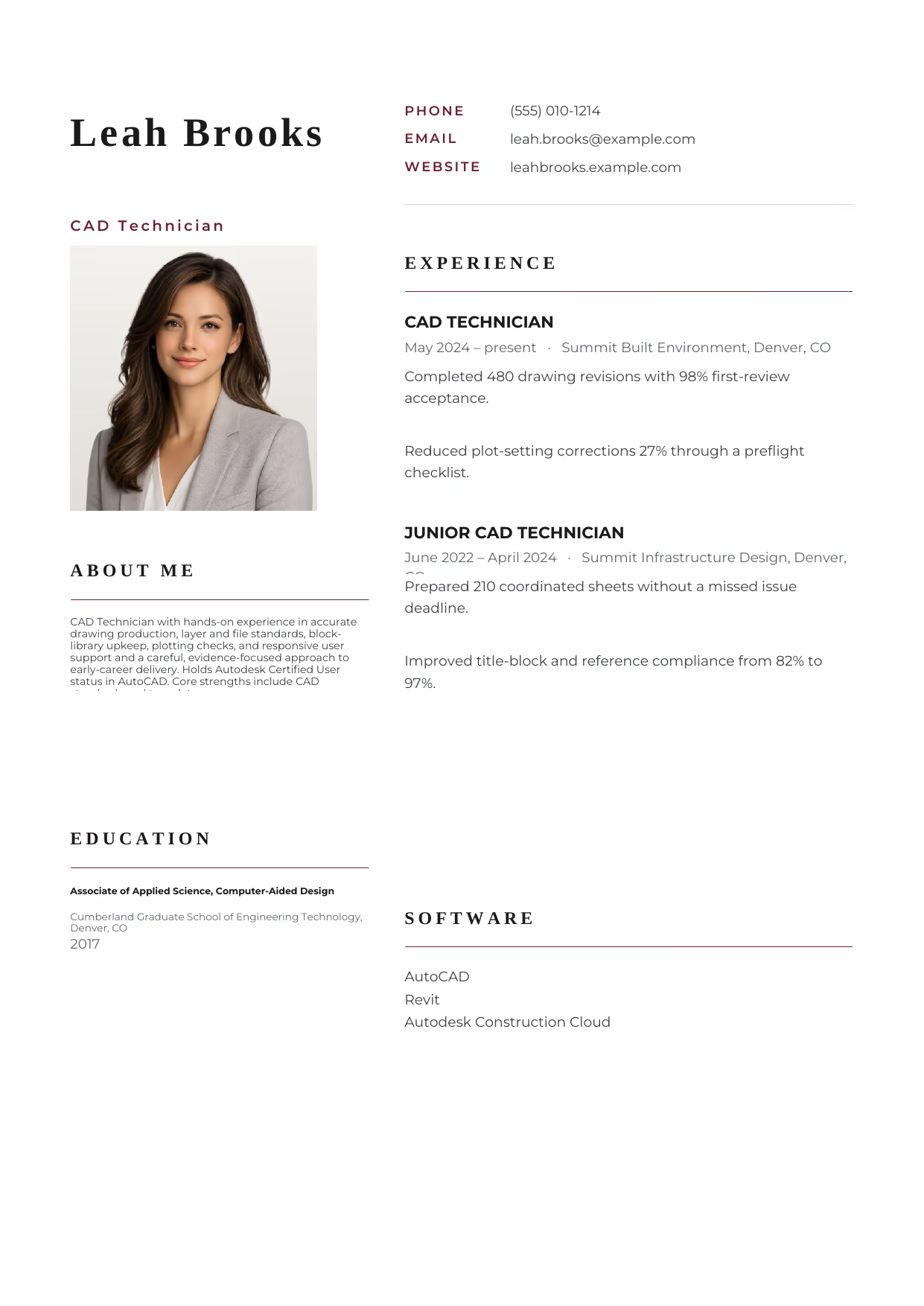
CAD Technician
A builder-ready entry-level CAD Manager example in the Hydra template, showing stage-appropriate evidence in a focused, editable resume format.
- Editable role positioning in the Hydra layout
- Role-specific evidence and delivery context
- Review the Hydra structure with a clean visual hierarchy
View this resume
Mid-Level Cad Manager Resume (3-7 Years Experience)
Use these mid-level examples to compare the scope, evidence, and language expected for CAD Manager roles at this stage.
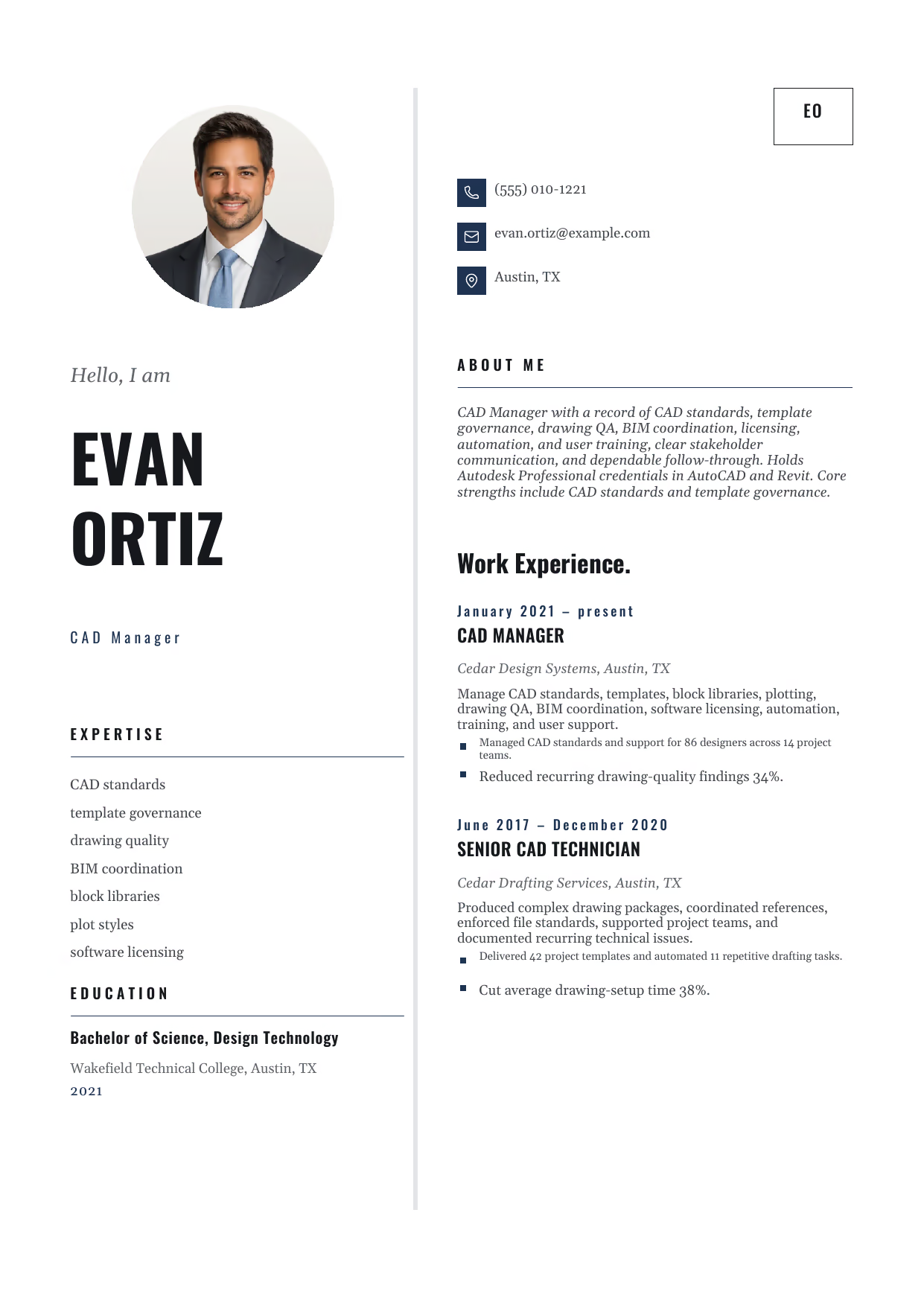
CAD Manager
A builder-ready mid-level CAD Manager example in the Equuleus template, showing stage-appropriate evidence in a focused, editable resume format.
- Editable role positioning in the Equuleus layout
- Role-specific evidence and delivery context
- Review the Equuleus structure with a clean visual hierarchy
View this resume
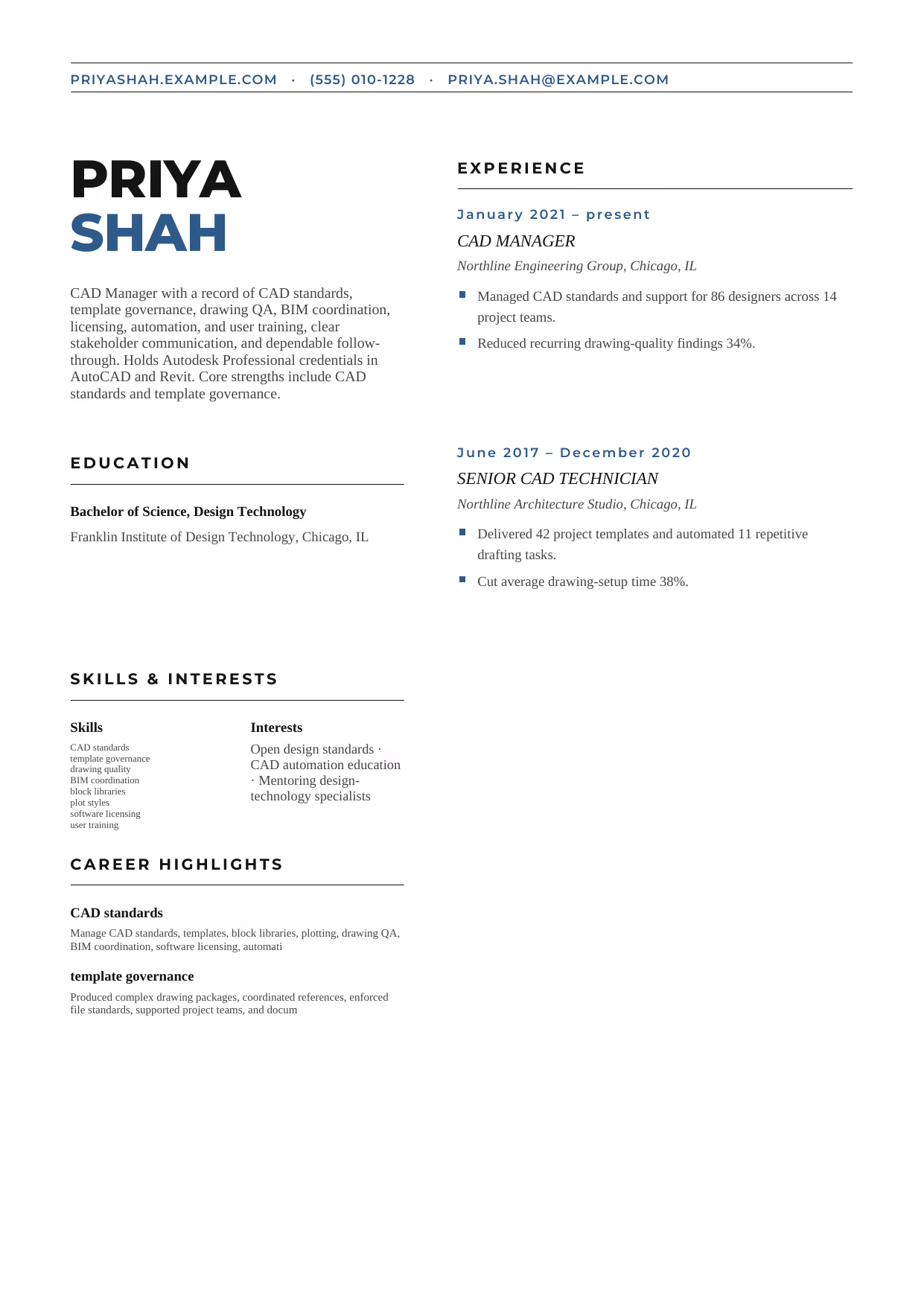
CAD Manager
A builder-ready mid-level CAD Manager example in the Bootes template, showing stage-appropriate evidence in a focused, editable resume format.
- Editable role positioning in the Bootes layout
- Role-specific evidence and delivery context
- Review the Bootes structure with a clean visual hierarchy
View this resume
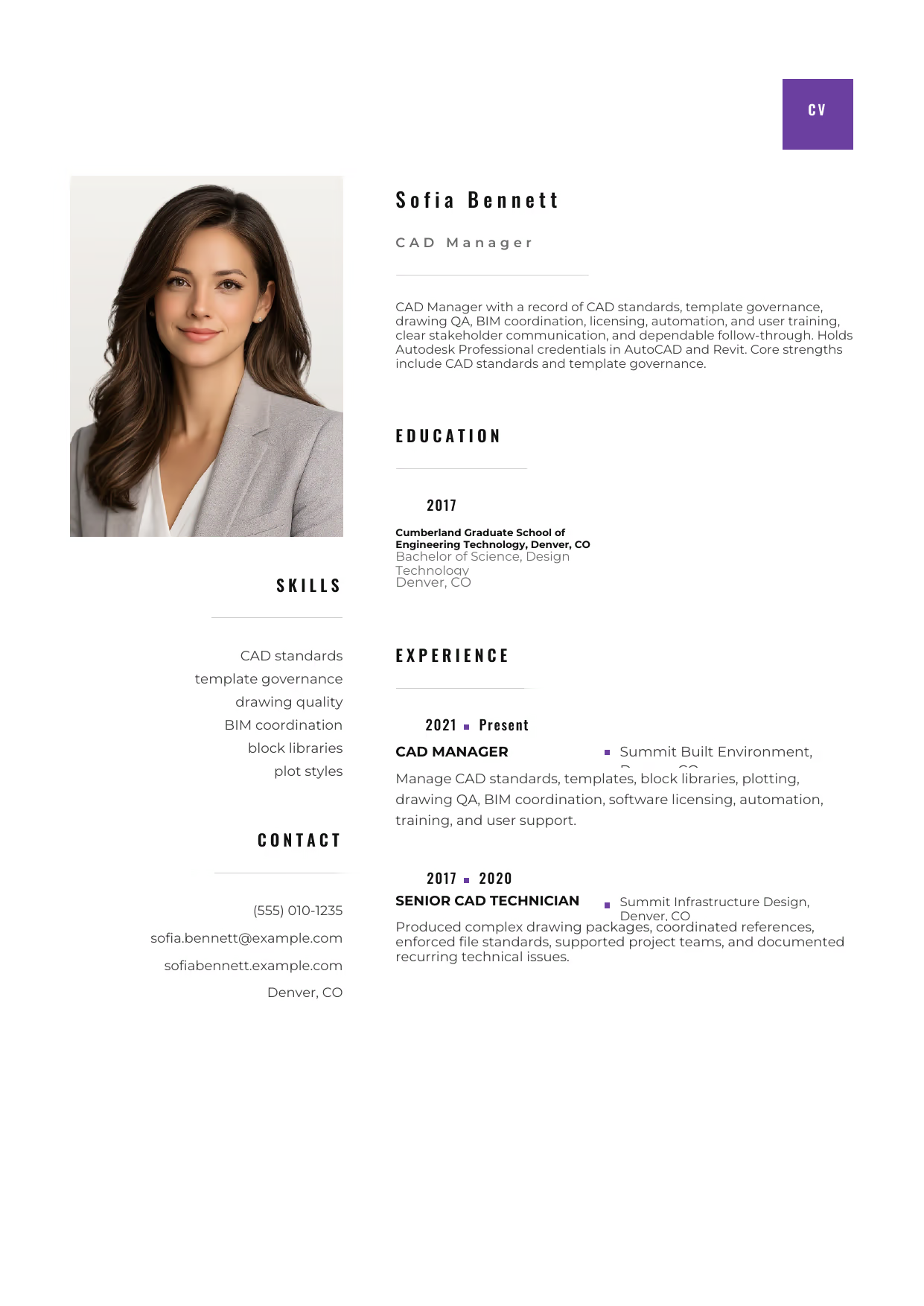
CAD Manager
A builder-ready mid-level CAD Manager example in the Pyxis template, showing stage-appropriate evidence in a focused, editable resume format.
- Editable role positioning in the Pyxis layout
- Role-specific evidence and delivery context
- Review the Pyxis structure with a clean visual hierarchy
View this resume
Senior Cad Manager Resume (8+ Years / Management)
Use these advanced examples to compare the scope, evidence, and language expected for CAD Manager roles at this stage.
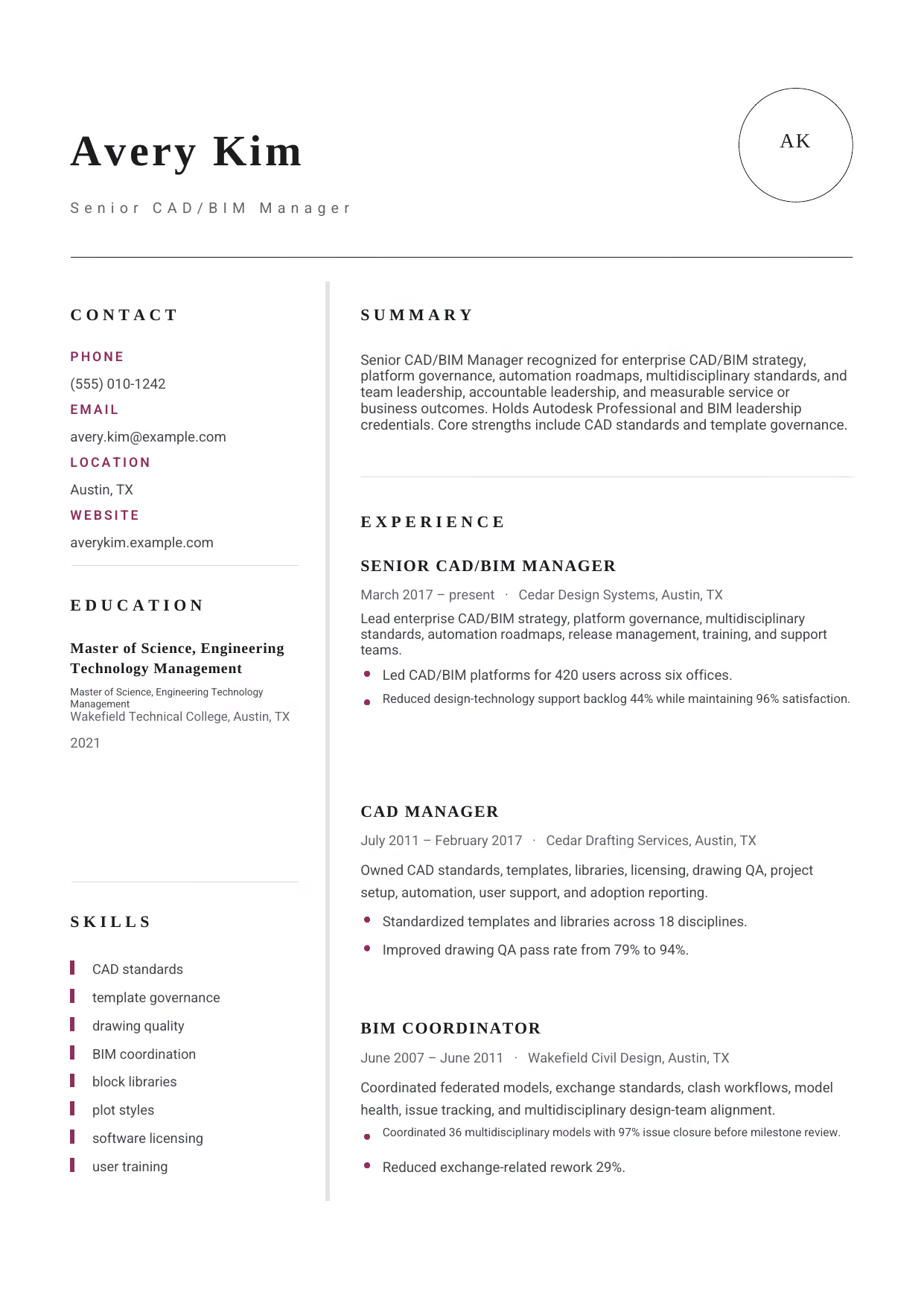
Senior CAD/BIM Manager
A builder-ready advanced CAD Manager example in the Grus template, showing stage-appropriate evidence in a focused, editable resume format.
- Editable role positioning in the Grus layout
- Role-specific evidence and delivery context
- Review the Grus structure with a clean visual hierarchy
View this resume
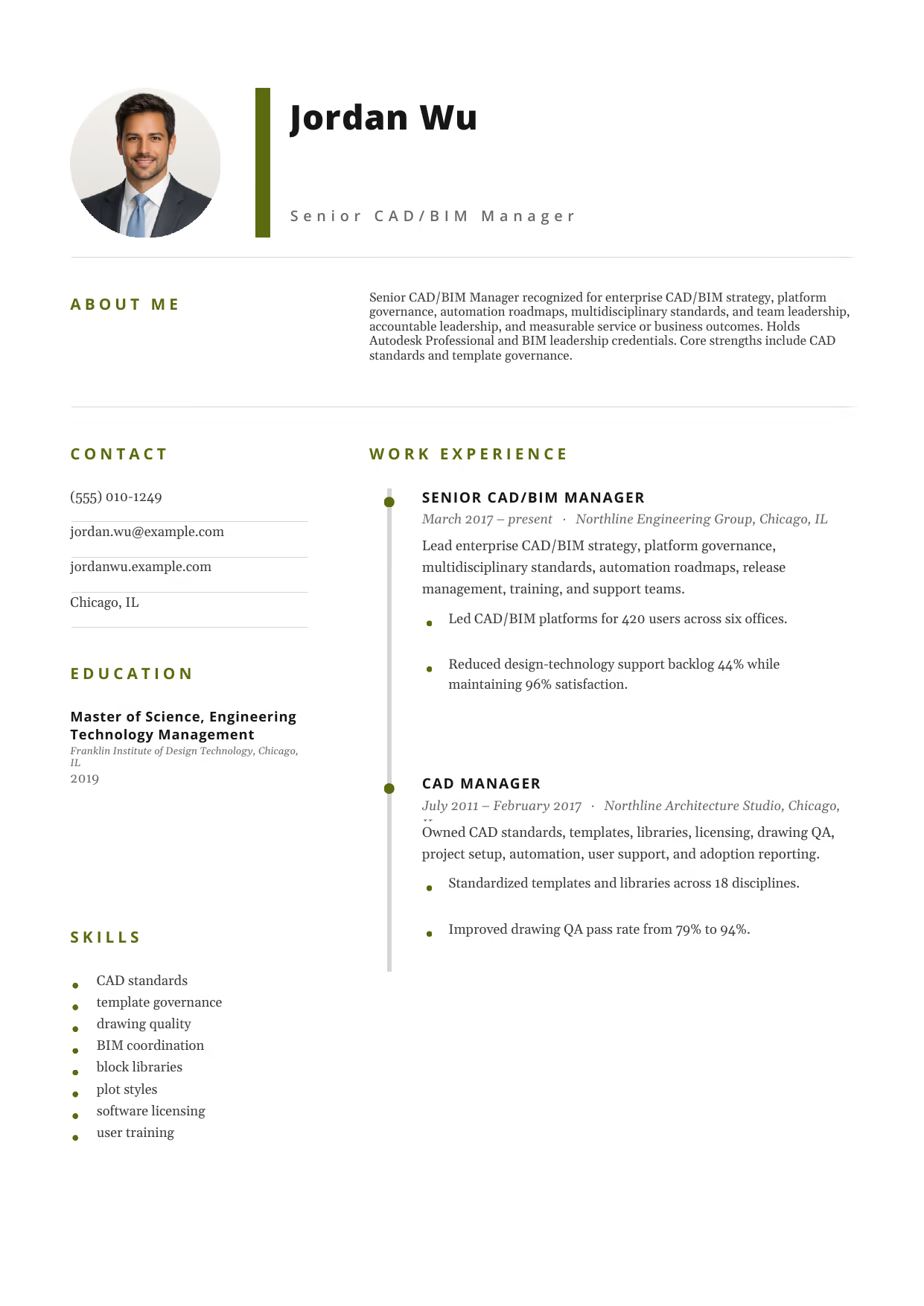
Senior CAD/BIM Manager
A builder-ready advanced CAD Manager example in the Pegasus template, showing stage-appropriate evidence in a focused, editable resume format.
- Editable role positioning in the Pegasus layout
- Role-specific evidence and delivery context
- Review the Pegasus structure with a clean visual hierarchy
View this resume

Senior CAD/BIM Manager
A builder-ready advanced CAD Manager example in the Norma template, showing stage-appropriate evidence in a focused, editable resume format.
- Editable role positioning in the Norma layout
- Role-specific evidence and delivery context
- Review the Norma structure with a clean visual hierarchy
View this resume
How to Write a CAD Manager Resume
The Resume Summary
The resume summary is your first chance to grab the recruiter’s attention. It should be a concise and compelling overview of your skills and experience.
Formula: [Years of Experience] + [Job Title] + [Key Skills] + [Key Achievement]
Entry-Level Example:
Enthusiastic recent graduate with a Bachelor’s degree in Engineering Technology seeking an entry-level Cad Manager position. Eager to apply strong technical skills and contribute to a dynamic team.
Mid-Level Example:
Highly motivated and experienced Cad Manager with 5+ years of experience in [Industry]. Proven ability to improve drafting efficiency, reduce errors, and streamline workflows. Proficient in AutoCAD, Revit, and Civil 3D.
Senior Example:
Results-oriented and experienced Senior Cad Manager with 10+ years of experience in [Industry]. Proven ability to lead and manage CAD teams, develop and implement CAD standards, and improve drafting efficiency. Expertise in AutoCAD, Revit, SolidWorks, and Civil 3D.
Work Experience & Action Verbs
The work experience section is where you showcase your accomplishments and demonstrate your value to potential employers. Focus on achievements rather than just listing duties.
Instead of simply describing your responsibilities, use action verbs and quantifiable results to highlight your impact.
- Before: Responsible for creating technical drawings. After: Created over 500 technical drawings, reducing errors by 10%.
- Before: Assisted with CAD software implementation. After: Led the implementation of AutoCAD, resulting in a 15% increase in drafting efficiency.
- Before: Managed CAD libraries. After: Developed and maintained CAD libraries, reducing search time by 20%.
- Before: Provided technical support to CAD users. After: Provided technical support to over 100 CAD users, resolving 95% of issues on the first call.
- Before: Responsible for quality control. After: Implemented quality control procedures, reducing errors in technical drawings by 12%.
Top Skills for Cad Managers
Here are some essential skills to include on your Cad Manager resume:
- Hard Skills:
- Technical Drafting
- 3D Modeling
- Blueprint Reading
- CAD Standards
- Workflow Optimization
- Quality Control
- Budget Management
- Project Management
- Soft Skills:
- Problem-solving
- Communication
- Attention to Detail
- Team Leadership
- Time Management
- Organization
- Critical Thinking
- Tools/Software:
- AutoCAD
- Revit
- SolidWorks
- Civil 3D
- Inventor
- MicroStation
- BricsCAD
Education & Certifications
List your education in reverse chronological order. If you are an entry-level candidate, highlight relevant coursework and GPA. For mid-level and senior candidates, focus on degrees and certifications.
Consider including the following certifications:
- Certified SolidWorks Professional (CSWP)
- AutoCAD Certified Professional
- Revit Certified Professional
10 Common Cad Manager Resume Mistakes
-
Generic Objective Statements:Objective statements are outdated. Instead of a generic goal like “Seeking a challenging position,” use a strong summary highlighting your key skills and achievements relevant to Cad Management, such as improving drafting efficiency or managing CAD standards. This immediately shows value.
-
Listing Duties Instead of Impact:Recruiters know what a CAD Manager does; they want to know how well you did it. Replace passive phrases like âResponsible for CAD standards’ with quantified wins like âDeveloped and implemented CAD standards that reduced drafting errors by 15%’.
-
Ignoring ATS Optimization:Applicant Tracking Systems (ATS) scan resumes for keywords. Failing to use industry-specific terminology related to CAD software (e.g., “AutoCAD”, “Revit”, “SolidWorks”) and design principles will cause your resume to be overlooked. Research the job description and incorporate those terms naturally.
-
Poor Formatting and Readability:A cluttered or poorly formatted resume will be quickly dismissed. Use clear headings, bullet points, and white space to make your resume easy to scan. Choose a professional font and avoid excessive use of bolding or italics.
-
Grammar and Spelling Errors:Misspelling Core Industry Terminology: Typos in general are bad, but misspelling critical tools or certifications (like âAutoCAD’, âRevit’, or âSolidWorks’) acts as an immediate red flag regarding your attention to detail.
-
Lack of Quantifiable Results:Vague statements like “Improved efficiency” are meaningless without context. Provide specific numbers to demonstrate your impact, such as “Improved drafting efficiency by 20%” or “Reduced errors in technical drawings by 10%”.
-
Inconsistent Chronological Order:List your work experience and education in reverse chronological order, with the most recent experiences first. Inconsistent dating raises red flags about your career trajectory.
-
Irrelevant Information:Including hobbies or unrelated skills can distract from your core qualifications. Focus on skills and experiences directly relevant to Cad Management, such as CAD software proficiency, technical drafting, and team leadership.
-
Missing Contact Information:Ensure your contact information is accurate and up-to-date. Include your phone number, email address, and LinkedIn profile URL. A missing or incorrect email address means you’ll miss interview requests.
-
Using the Same Resume for Every Job:Tailor your resume to each job description. Highlight the skills and experiences that are most relevant to the specific requirements of the position. Generic resumes are a signal that you haven’t taken the time to understand the role.
Frequently Asked Questions (CAD Manager)
Crafting a compelling Cad Manager resume requires a strategic approach, focusing on your achievements, skills, and relevant experience. By following the examples and tips in this guide, you can create a resume that stands out from the competition and lands you more interviews.
To find more resources, Search more Cad Manager resources on our site!



Keep Exploring! There’s More to Discover:


